

Chapter 4: Adding Formulas to Text Boxes
Chapter Description
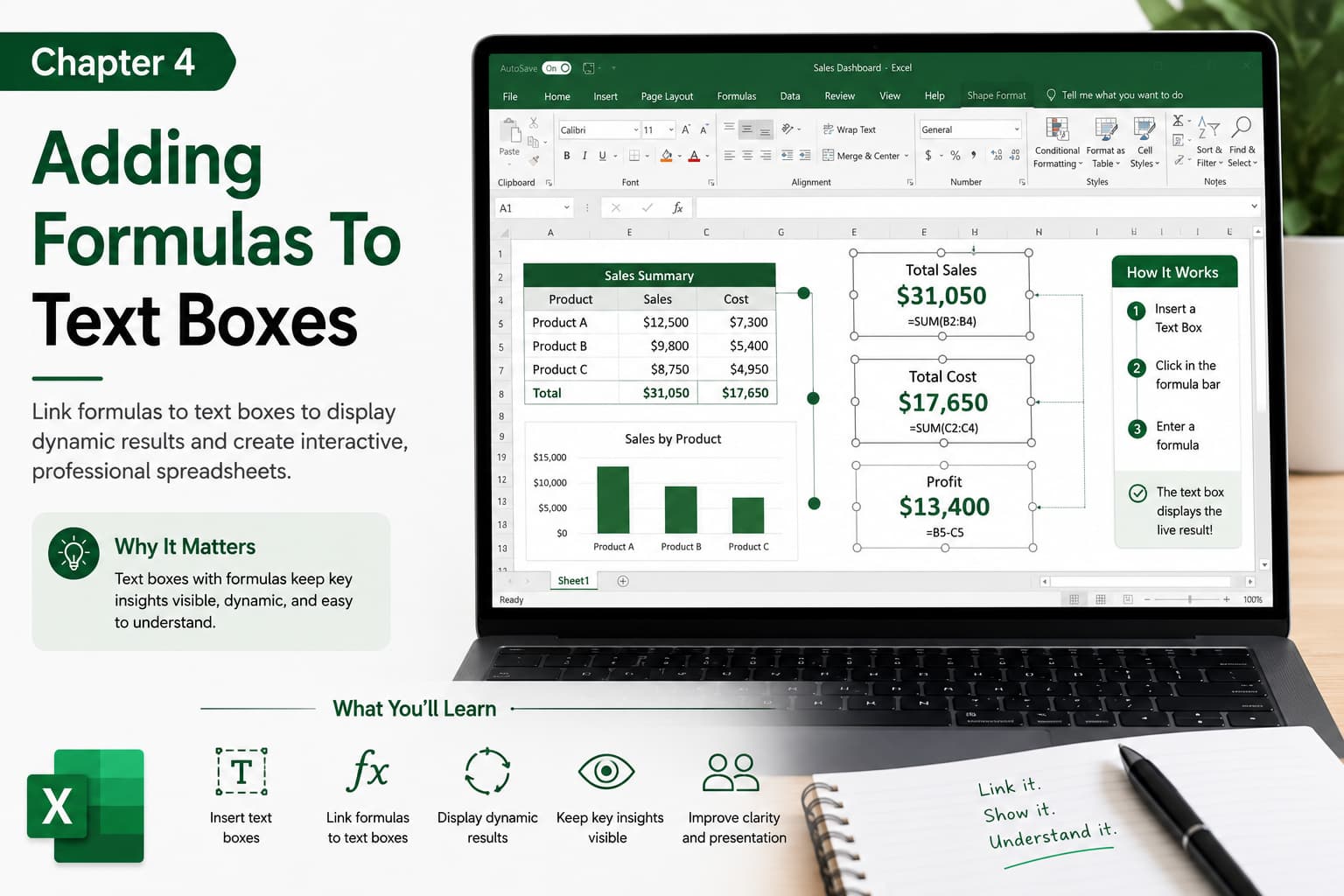
In this chapter, you’ll learn how to display formula results inside text boxes in Microsoft Excel. By linking a text box to a cell containing a formula, you can create dynamic dashboards, reports, and presentations that automatically update whenever the underlying data changes. This technique is ideal for highlighting key metrics such as totals, sales figures, percentages, and other important values in a professional and visually appealing way.
What You’ll Learn
- Understanding text boxes in Excel
- Inserting and formatting text boxes
- Linking a text box to a formula cell
- Displaying dynamic values automatically
- Using text boxes in dashboards and reports
- Formatting text boxes for better presentation
- Best practices for creating professional Excel dashboards
Learning Outcome
By the end of this chapter, you’ll be able to link formulas to text boxes, allowing you to display live data dynamically in your worksheets. This skill will help you build interactive dashboards, improve data presentation, and create professional-looking Excel reports with automatically updating information.

