

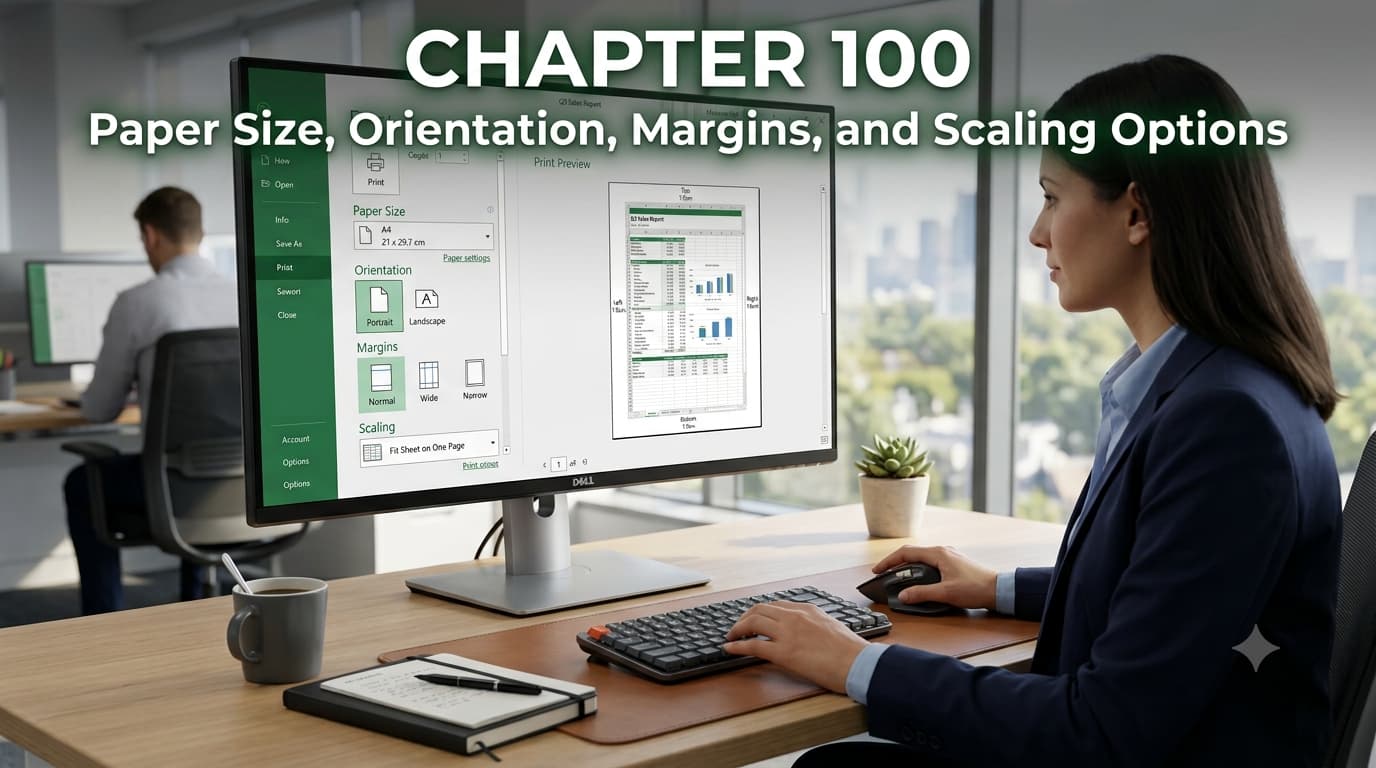
Chapter 100: Paper Size, Orientation, Margins, and Scaling Options
Chapter Description
Learn how to prepare your Excel worksheets for professional printing by mastering the essential page setup options. In this chapter, you’ll discover how to select the appropriate paper size, switch between portrait and landscape orientations, adjust page margins, and use scaling options to ensure your spreadsheets print neatly on one or multiple pages.
You’ll also learn how these settings affect the appearance of printed reports and how to optimize layouts for invoices, financial reports, dashboards, and large data tables. By understanding Excel’s Page Setup features, you’ll be able to create polished, print-ready documents that are easy to read and professionally formatted.
What You’ll Learn
- Choose the correct paper size for different printing requirements.
- Switch between Portrait and Landscape page orientations.
- Adjust page margins for better layout and readability.
- Scale worksheets to fit on a single page or a specific number of pages.
- Preview print layouts before printing.
- Optimize worksheets for professional reports and presentations.
- Avoid common printing issues such as clipped data or unnecessary blank pages.
- Use Excel’s Page Setup options to create clean and organized printed documents.
By the end of this chapter, you’ll be able to confidently configure Excel’s printing settings to produce professional-quality worksheets that are ready for sharing, presentations, or office use.

