

Chapter 116: The Stacking Order
Chapter Description
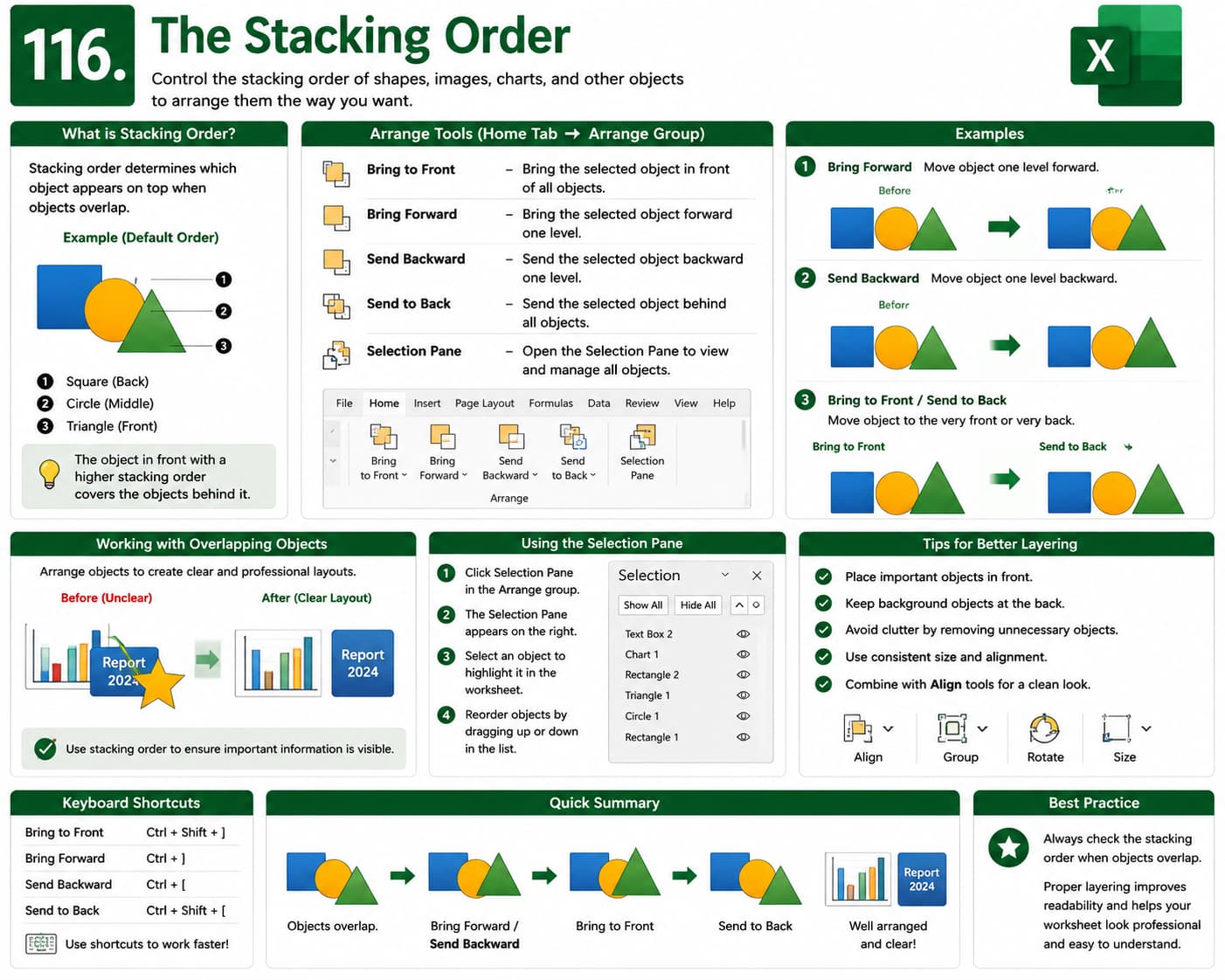
In this chapter, you’ll learn how to control the stacking order of shapes, images, charts, and other graphical objects in Microsoft Excel. You’ll discover how to bring objects forward, send them backward, and arrange multiple elements to create clean and professional worksheet layouts.
What You’ll Learn
- Understanding stacking order
- Bring Forward and Send Backward
- Bring to Front and Send to Back
- Arranging overlapping objects
- Working with shapes and images
- Organizing dashboard elements
- Best practices for object arrangement
Learning Outcome
By the end of this chapter, you’ll be able to confidently arrange graphical objects using stacking order, creating professional Excel dashboards, reports, and presentations.

