

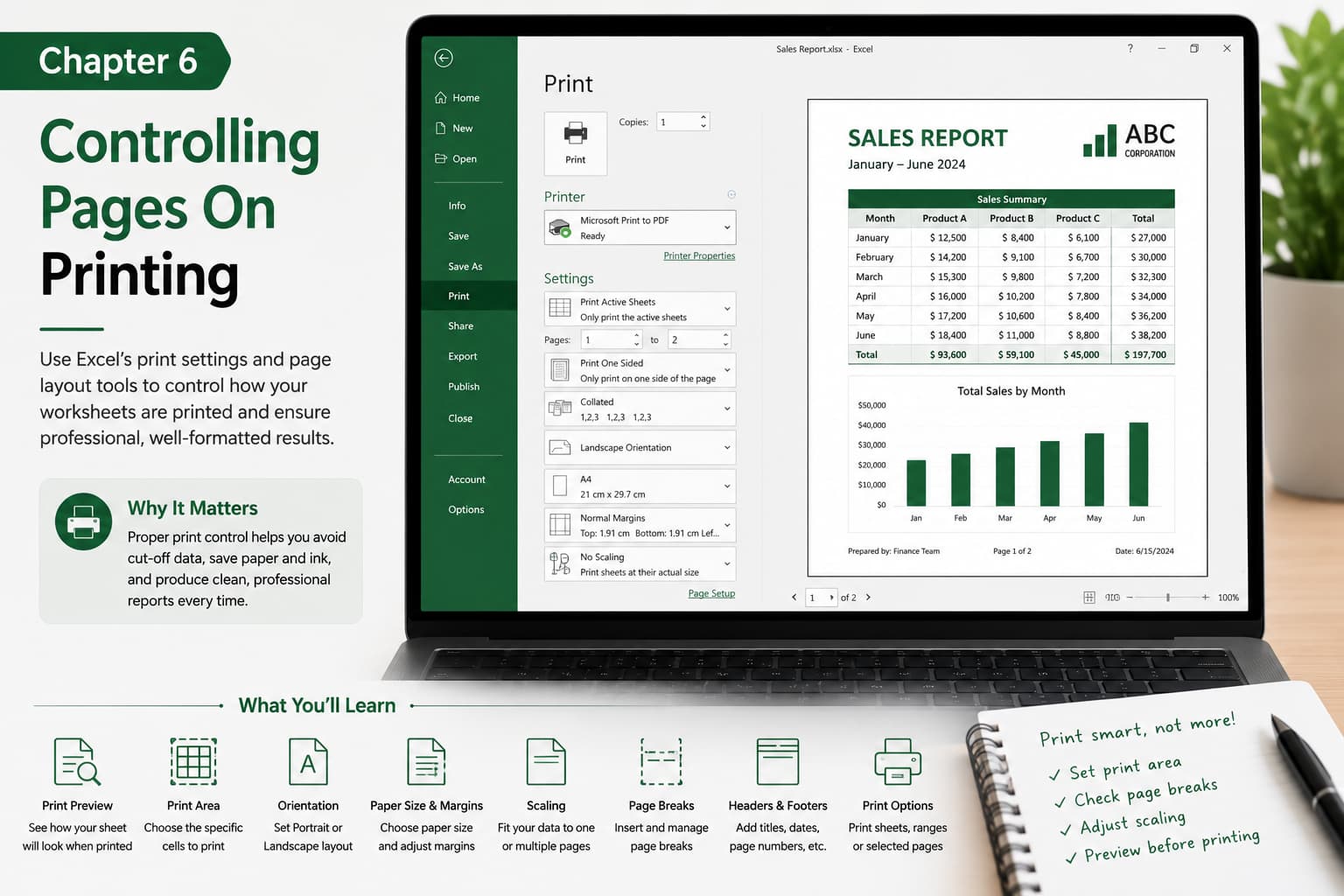
Chapter 6: Controlling Pages on Printing
Chapter Description
Learn how to control exactly how your worksheets appear when printed. In this chapter, you’ll explore Excel’s printing and page layout features, including page breaks, margins, scaling, orientation, headers and footers, and print areas. These tools help ensure your reports are organized, professional, and fit perfectly on the printed page.
Whether you’re printing invoices, financial reports, or dashboards, mastering print settings will help you avoid cut-off data and produce polished documents every time.
What You’ll Learn
- Understanding Print Preview
- Setting the Print Area
- Adjusting Page Orientation (Portrait and Landscape)
- Changing Paper Size and Margins
- Scaling worksheets to fit one or multiple pages
- Inserting and managing Page Breaks
- Adding Headers and Footers
- Printing selected worksheets or specific page ranges
- Best practices for professional printing
Learning Outcome
By the end of this chapter, you’ll be able to configure Excel’s printing options to produce clean, well-formatted documents. You’ll know how to control page layouts, fit data correctly on paper, and create professional-quality printouts for business, academic, or personal use.

