

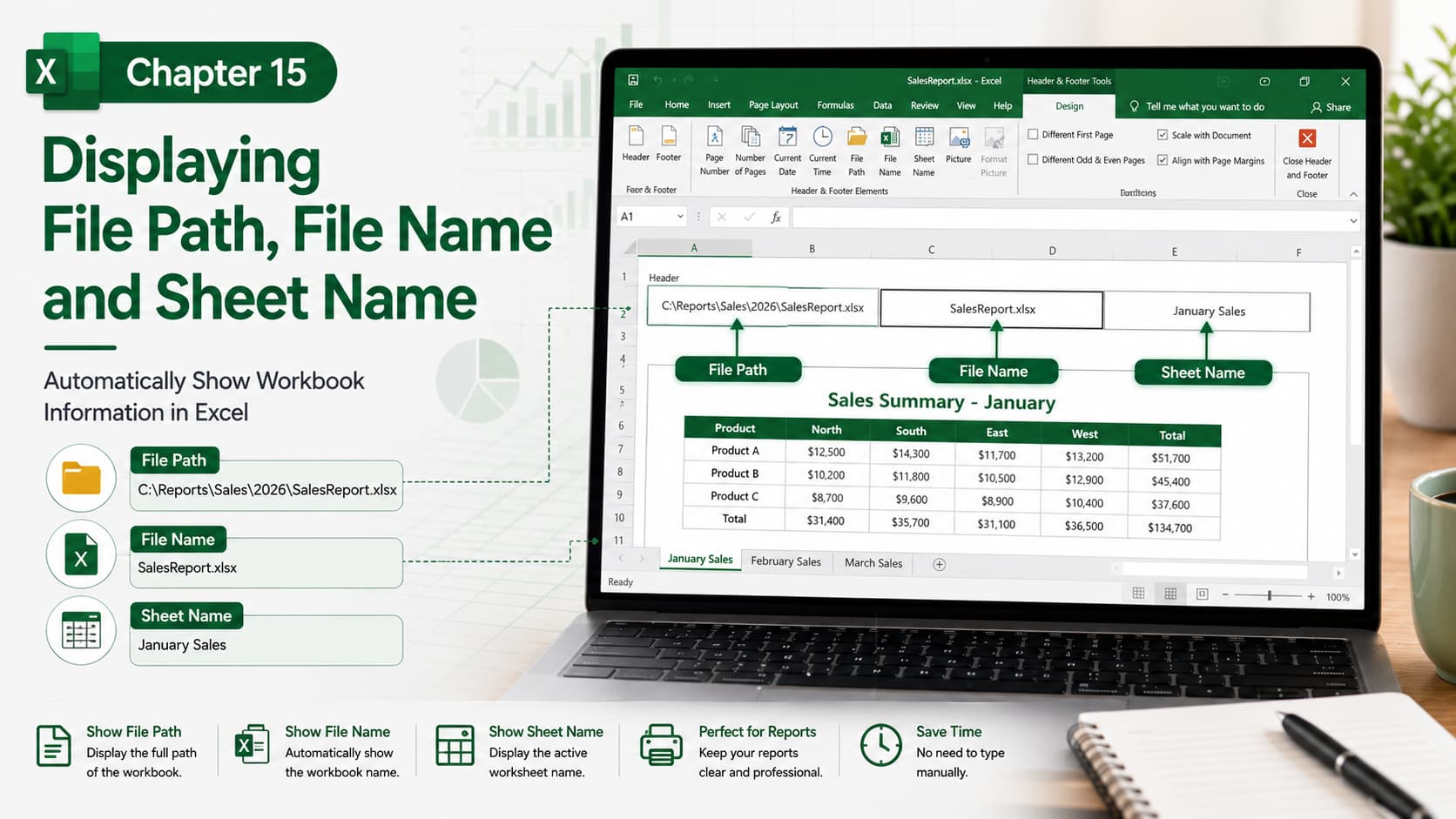
Chapter 15: Displaying File Path, File Name, and Sheet Name
Chapter Description
In this chapter, you’ll learn how to display the current workbook’s file path, file name, and worksheet name in Microsoft Excel. This feature is especially useful when creating professional reports, templates, or printed documents, ensuring users always know which workbook and worksheet they are viewing.
You’ll explore how to insert these details into headers, footers, formulas, and workbook elements, making your spreadsheets more organized, traceable, and easier to manage.
What You’ll Learn
-
Understanding workbook information in Excel
-
Displaying the file name automatically
-
Showing the complete file path
-
Displaying the active worksheet name
-
Using headers and footers for workbook details
-
Using formulas to display workbook information
-
Keeping reports organized and identifiable
-
Best practices for professional workbook documentation
Learning Outcome
By the end of this chapter, you’ll be able to automatically display the file path, file name, and sheet name in your Excel workbooks. This will help you create professional reports, improve document organization, simplify file management, and make it easier for users to identify the correct workbook and worksheet.

