

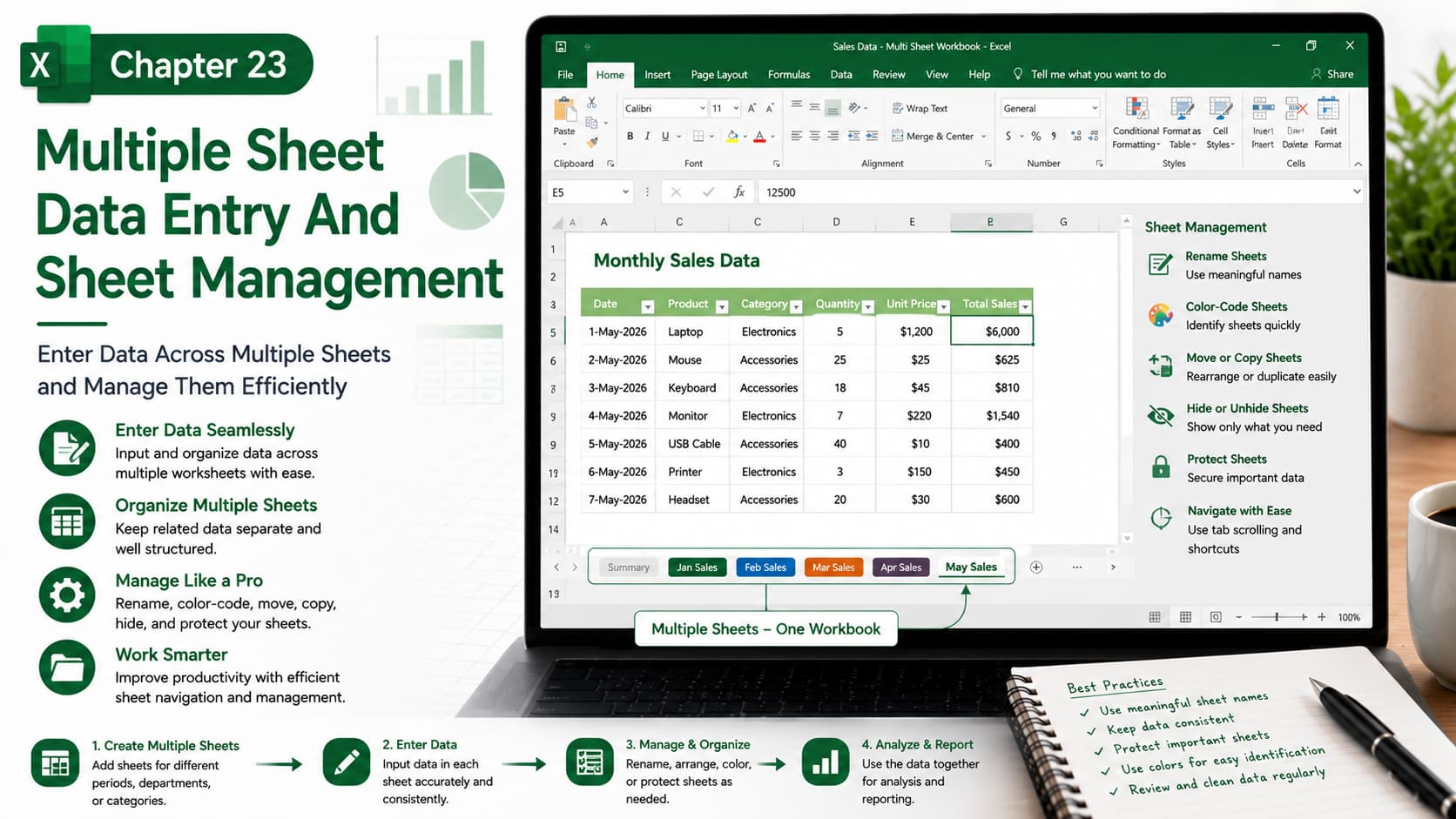
Chapter 23: Multiple Sheet Data Entry and Sheet Management
Chapter Description
In this chapter, you’ll learn how to efficiently enter, organize, and manage data across multiple worksheets in a single Microsoft Excel workbook. As your workbooks grow, managing several sheets becomes essential for maintaining a clean, organized, and scalable structure.
You’ll discover techniques for entering data into multiple worksheets simultaneously, organizing sheet tabs, renaming, moving, copying, hiding, and protecting worksheets, and navigating large workbooks with ease. These skills are invaluable for financial reports, departmental records, project tracking, and business dashboards.
What You’ll Learn
- Understanding multi-sheet workbooks
- Entering data into multiple worksheets at once
- Grouping worksheets for simultaneous editing
- Renaming, moving, and copying worksheets
- Hiding and unhiding worksheet tabs
- Applying formatting across multiple sheets
- Protecting worksheets from accidental changes
- Organizing workbook tabs for better navigation
- Best practices for managing large Excel workbooks
Learning Outcome
By the end of this chapter, you’ll be able to confidently manage multiple worksheets within a workbook, streamline data entry across sheets, organize workbook structures professionally, and improve productivity when working with large Excel files.

