

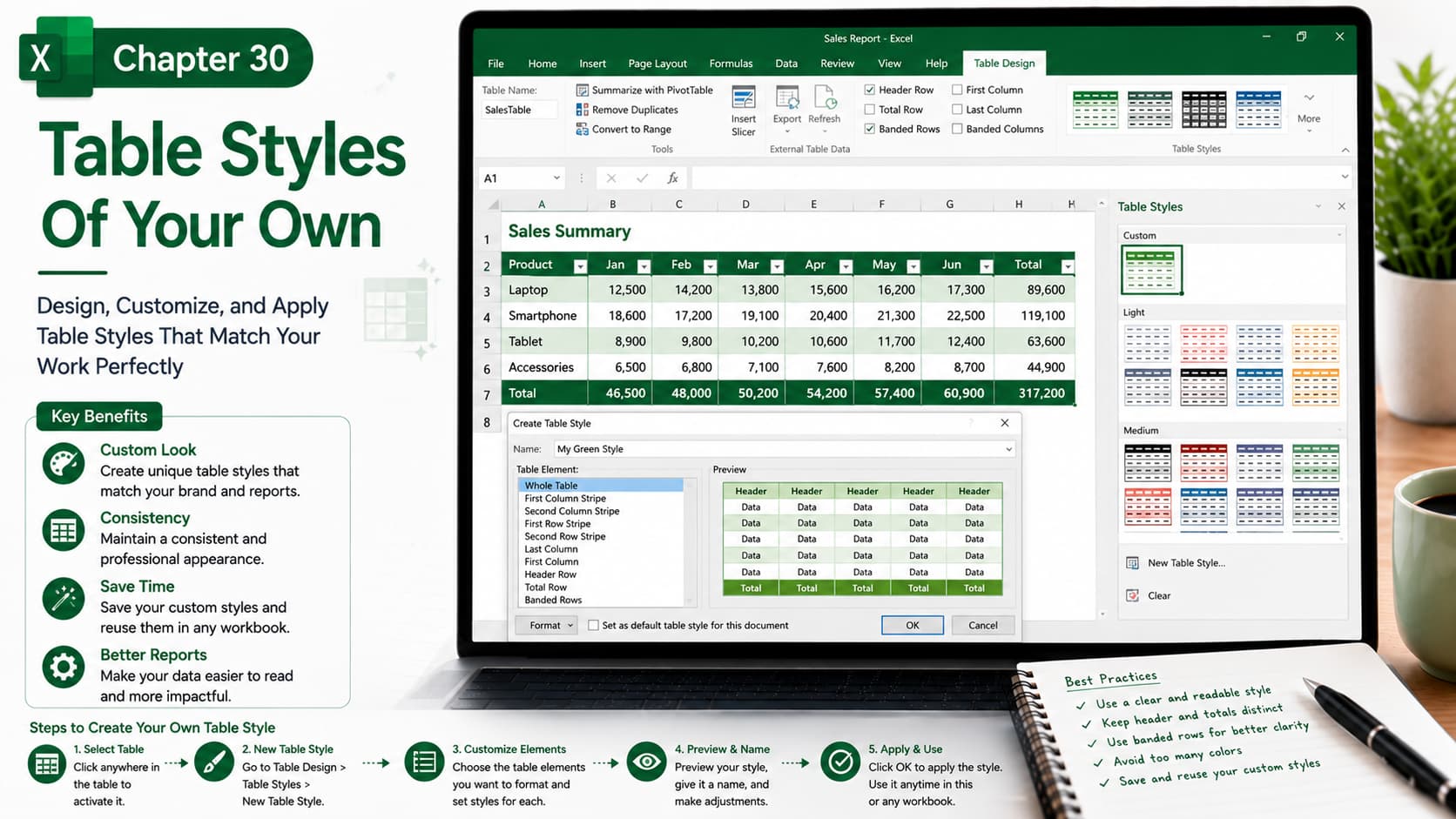
Chapter 30: Table Styles of Your Own
Chapter Description
In this chapter, you’ll learn how to create and customize your own Table Styles in Microsoft Excel. Instead of relying on the built-in styles, you’ll design personalized table formats that match your company’s branding, improve readability, and give your worksheets a professional appearance.
You’ll explore how to customize headers, banded rows, borders, fonts, colors, and other formatting elements, then save your custom style for reuse across multiple workbooks.
What You’ll Learn
- Understanding Excel Table Styles
- Creating a new custom Table Style
- Customizing headers, rows, columns, and totals
- Modifying fonts, colors, borders, and fills
- Applying custom styles to Excel tables
- Editing and updating existing Table Styles
- Reusing custom styles in other workbooks
- Best practices for professional table formatting
Learning Outcome
By the end of this chapter, you’ll be able to design, customize, and apply your own Table Styles in Excel. You’ll create visually appealing, consistent, and professional tables that enhance data presentation, improve readability, and save time by reusing your custom formatting across future projects.

