

Chapter 126: Using Print Titles and Print Areas
Chapter Description
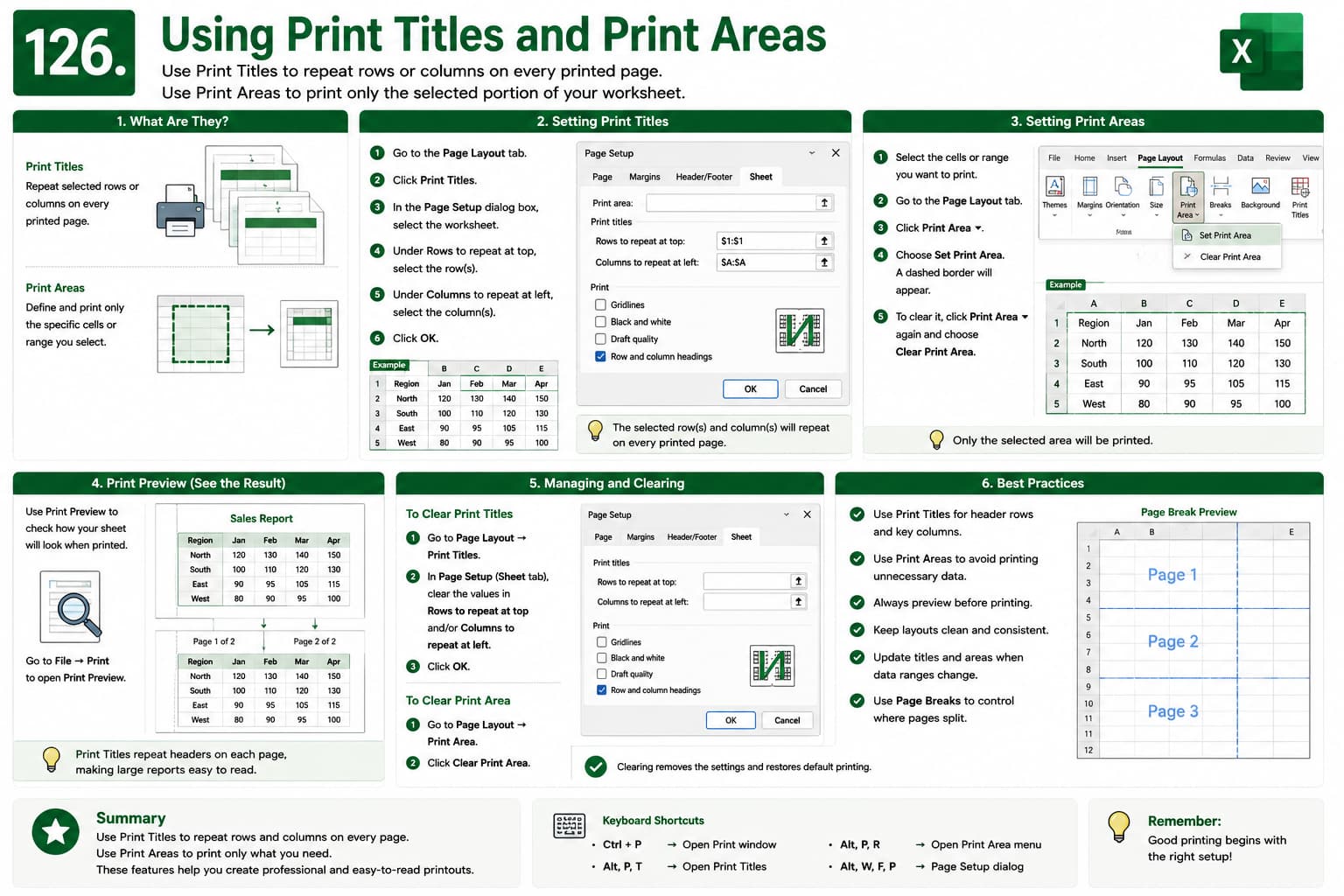
In this chapter, you’ll learn how to use Print Titles and Print Areas in Microsoft Excel to create professional printed worksheets. Print Titles allow row and column headings to repeat on every printed page, while Print Areas let you print only the selected portions of a worksheet.
What You’ll Learn
- Setting Print Titles
- Repeating rows and columns
- Creating Print Areas
- Clearing Print Areas
- Previewing printed worksheets
- Managing page layouts
- Best practices for professional printing
Learning Outcome
By the end of this chapter, you’ll be able to configure Print Titles and Print Areas to produce accurate, readable, and professional Excel printouts.

