

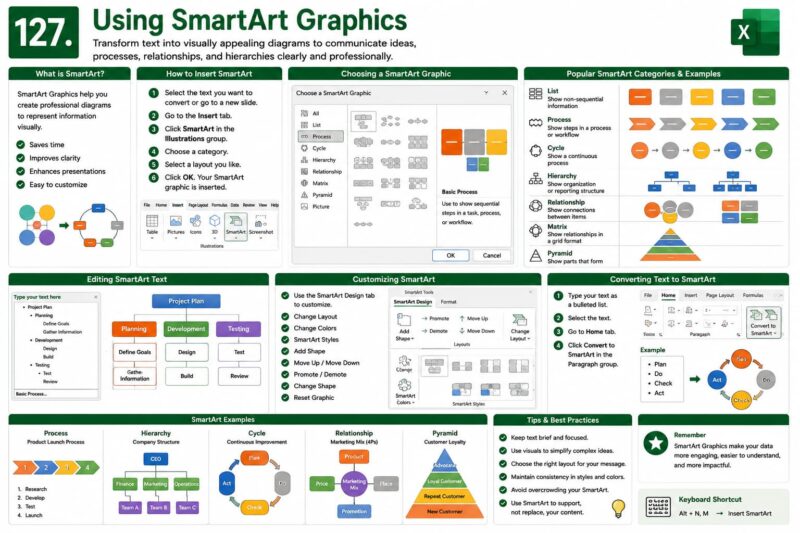
Chapter 127: Using SmartArt Graphics
Chapter Description
In this chapter, you’ll learn how to use SmartArt Graphics in Microsoft Excel to transform text into visually appealing diagrams. SmartArt makes it easy to present processes, hierarchies, relationships, cycles, and organizational structures in a clear and professional way.
What You’ll Learn
- Understanding SmartArt Graphics
- Inserting SmartArt
- Choosing SmartArt layouts
- Editing SmartArt text
- Changing colors and styles
- Adding and removing shapes
- Converting lists into SmartArt
- Best practices for visual communication
Learning Outcome
By the end of this chapter, you’ll be able to confidently create and customize SmartArt Graphics in Microsoft Excel, making your worksheets, reports, and presentations more engaging and easier to understand.

