

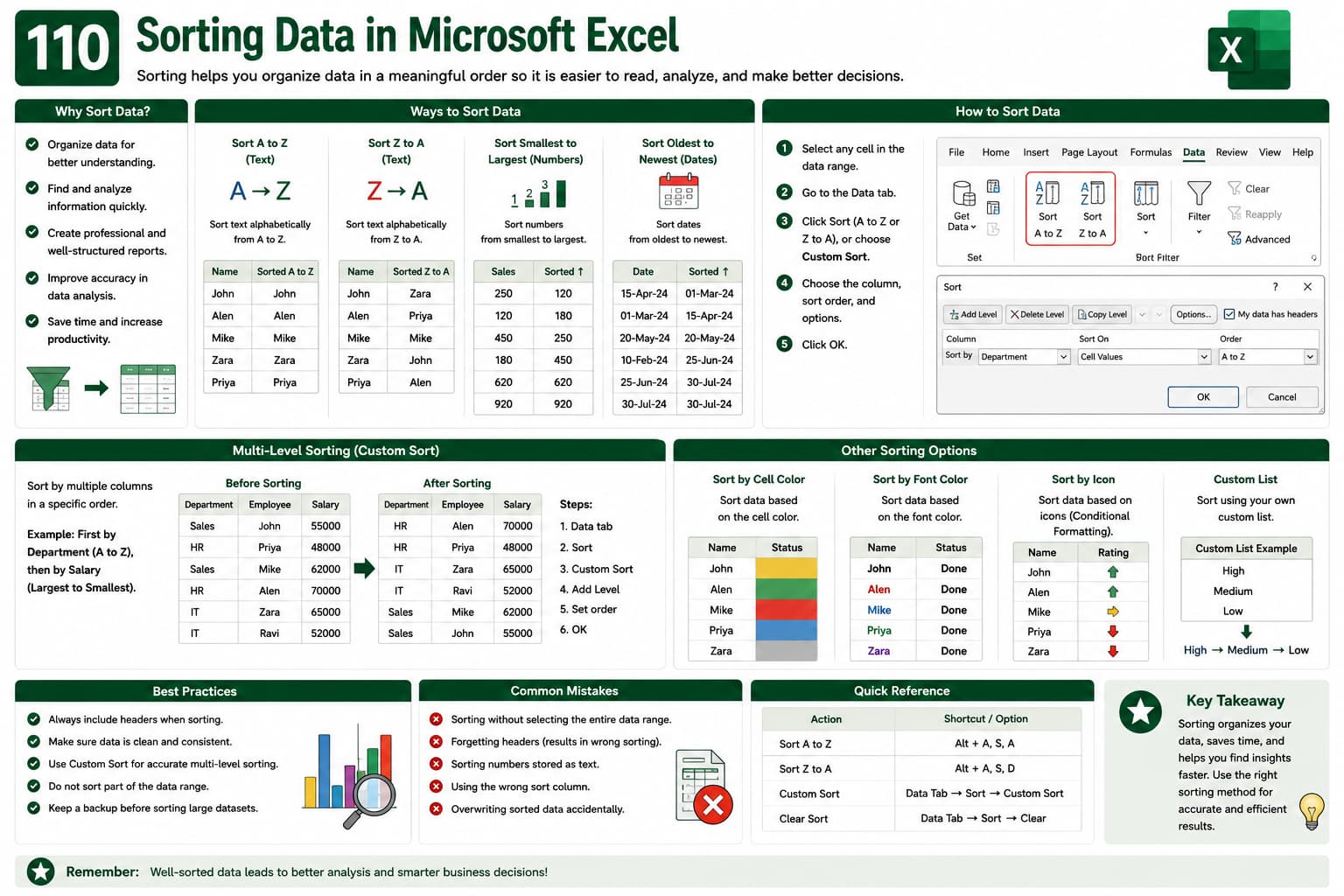
Chapter 110: Sorting Data in Microsoft Excel
Chapter Description
In this chapter, you’ll learn how to sort data in Microsoft Excel to organize information efficiently. Excel provides powerful sorting tools that allow you to arrange data alphabetically, numerically, by dates, colors, icons, and custom lists, making large datasets easier to analyze and understand.
This lesson is essential for managing databases, reports, customer records, inventory lists, and financial data.
What You’ll Learn
- Understanding data sorting
- Sorting A to Z and Z to A
- Sorting numbers and dates
- Multi-level sorting
- Sorting by cell color and font color
- Custom sorting options
- Sorting with headers
- Best practices for organizing data
Learning Outcome
By the end of this chapter, you’ll be able to confidently sort data using Excel’s powerful sorting features, improving data organization, analysis, and reporting efficiency

