

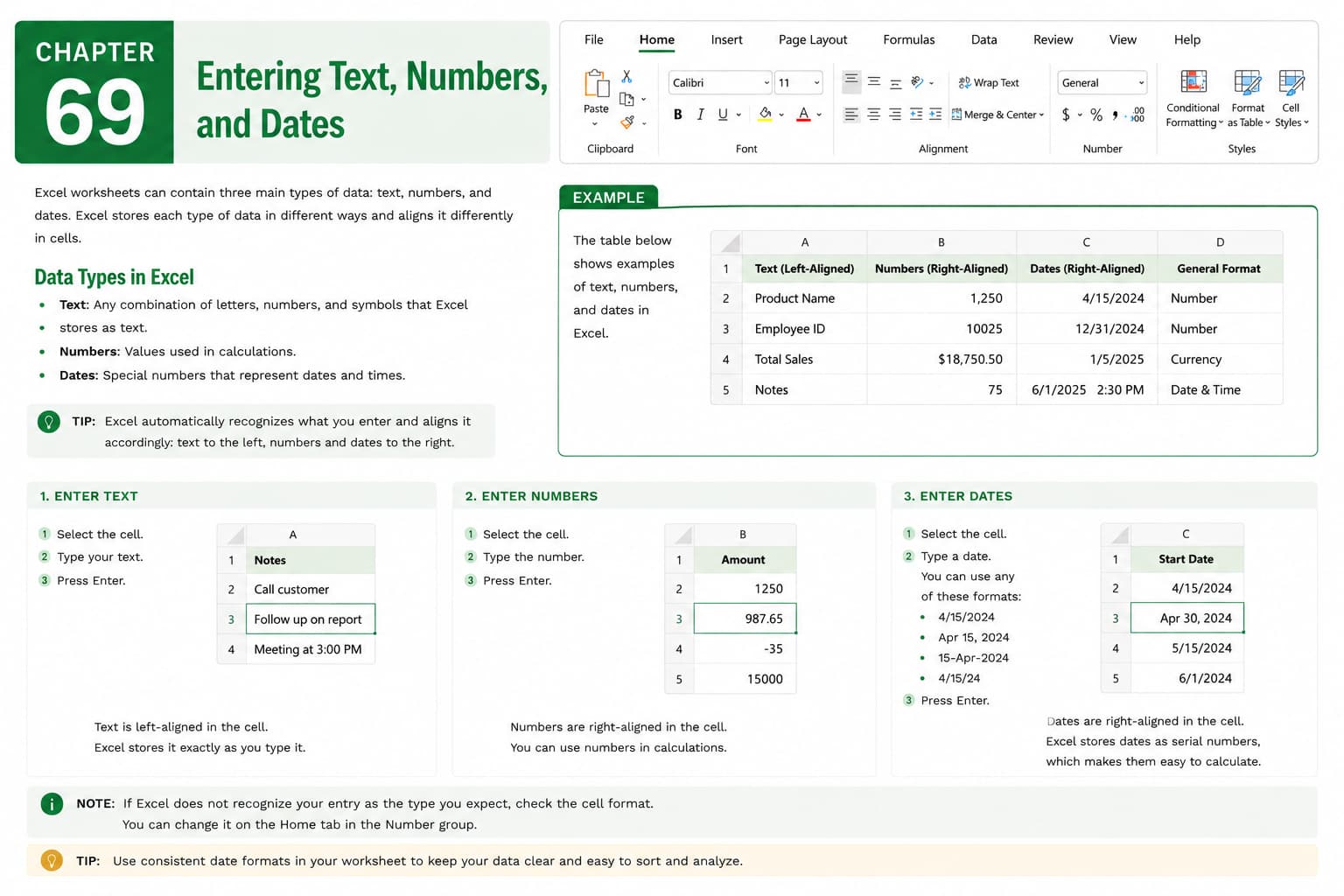
Chapter 69: Entering Text, Numbers, and Dates
Chapter Description
In this chapter, you’ll learn how to enter text, numbers, and dates accurately in Microsoft Excel, providing the foundation for creating organized and reliable worksheets. Correct data entry ensures that Excel can perform calculations, sort information, filter records, and generate meaningful reports without errors.
You’ll explore different methods for entering and editing data, understand how Excel recognizes various data types, use AutoComplete and AutoFill to speed up data entry, and apply best practices for maintaining consistency and accuracy. You’ll also learn how to avoid common data entry mistakes that can affect calculations and analysis.
This lesson is especially useful for creating budgets, attendance records, invoices, inventory lists, customer databases, schedules, and financial reports.
What You’ll Learn
- Understanding text, numbers, and date data types in Microsoft Excel
- Entering text, numeric values, and dates correctly
- Using AutoComplete and AutoFill for faster data entry
- Editing and replacing existing data
- Maintaining consistent data formats
- Avoiding common data entry errors
- Verifying data accuracy before analysis
- Best practices for efficient worksheet data entry
Learning Outcome
By the end of this chapter, you’ll be able to confidently enter and manage text, numbers, and dates in Microsoft Excel, ensuring your worksheets are accurate, consistent, and ready for calculations, analysis, and professional reporting.

