

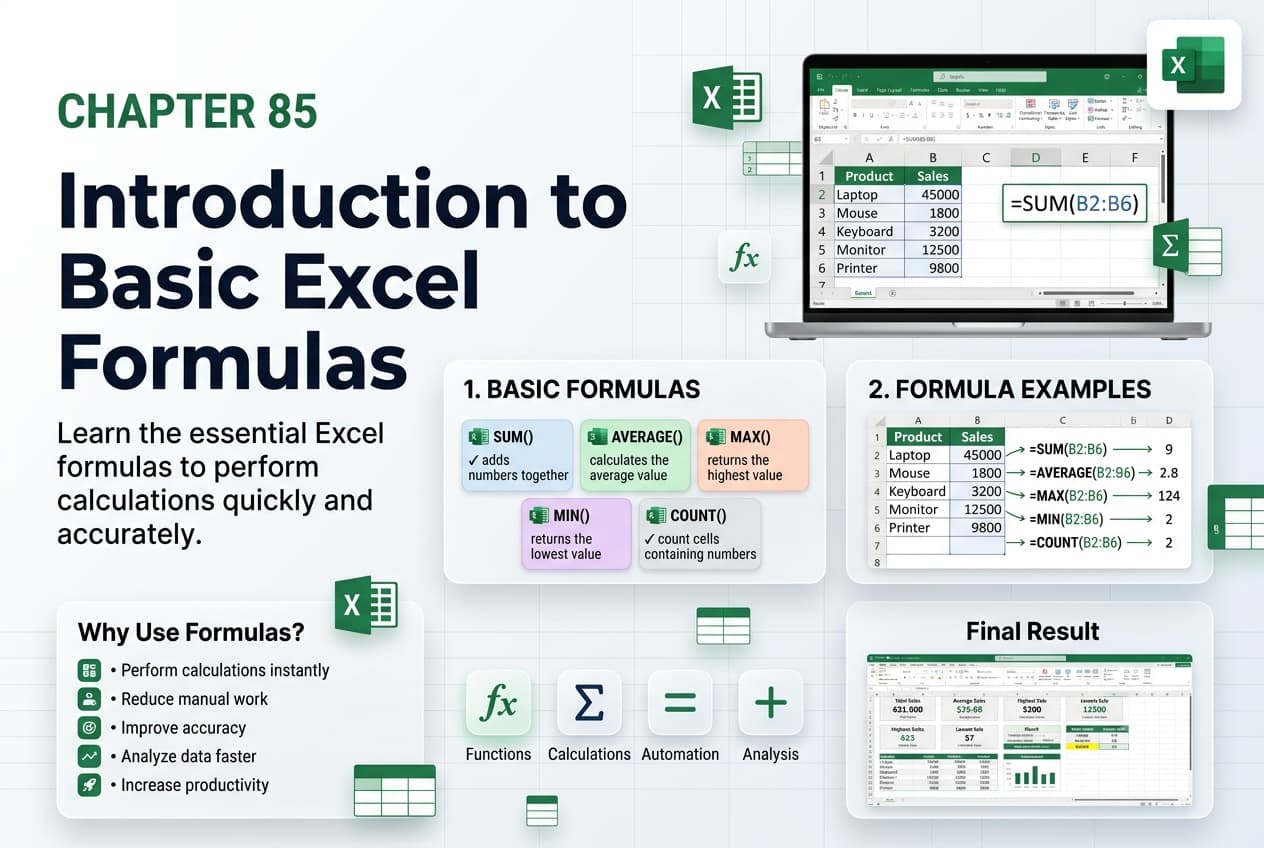
Chapter 85: Introduction to Basic Excel Formulas
Chapter Description
In this chapter, you’ll be introduced to the fundamentals of creating and using formulas in Microsoft Excel. Formulas are one of Excel’s most powerful features, enabling you to perform calculations, analyze data, and automate repetitive tasks with speed and accuracy. Understanding how formulas work is essential for building effective spreadsheets.
You’ll explore the structure of Excel formulas, learn how to use cell references and mathematical operators, understand the difference between relative and absolute references, and discover how formulas automatically update when data changes. This chapter also introduces common formula errors and techniques for troubleshooting them.
This lesson is especially useful for creating budgets, expense trackers, invoices, sales reports, grade sheets, financial models, and other worksheets that require automatic calculations.
What You’ll Learn
- Understanding the purpose of formulas in Microsoft Excel
- Learning the structure and syntax of Excel formulas
- Using mathematical operators in formulas
- Working with cell references
- Understanding relative and absolute references
- Creating simple calculation formulas
- Identifying and correcting common formula errors
- Best practices for writing accurate and efficient formulas
Learning Outcome
By the end of this chapter, you’ll be able to confidently create and use basic formulas in Microsoft Excel, perform automatic calculations, and build accurate, dynamic worksheets that update instantly as your data changes.

