

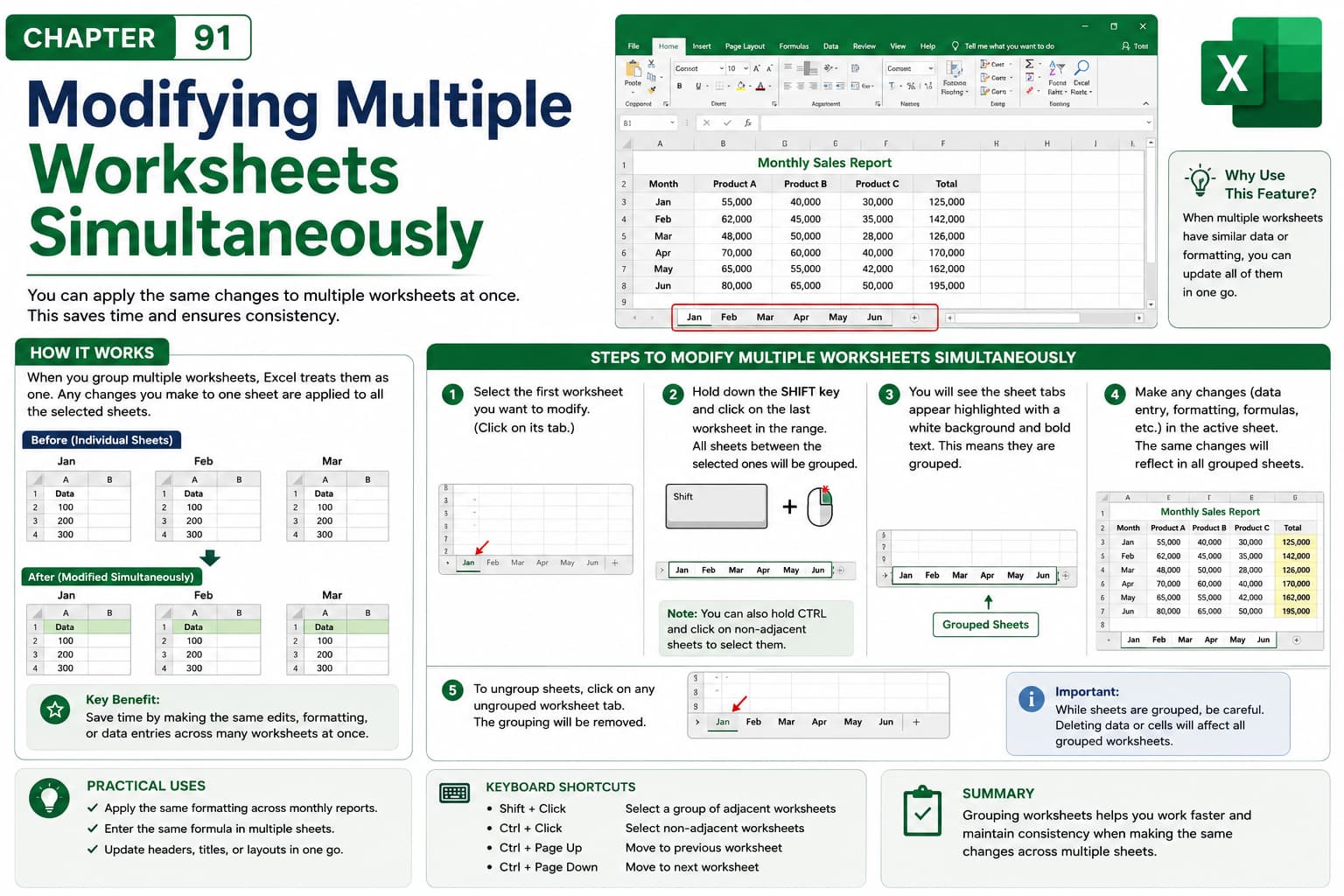
Chapter 91: Modifying Multiple Worksheets Simultaneously
Chapter Description
In this chapter, you’ll learn how to modify multiple worksheets simultaneously in Microsoft Excel by grouping worksheets. This feature allows you to perform the same action across several worksheets at once, saving time and ensuring consistency when working with similar data or workbook layouts.
You’ll explore how to group and ungroup worksheets, enter data, apply formatting, insert or delete rows and columns, and make structural changes across multiple sheets. You’ll also learn how to avoid unintended edits and follow best practices when working with grouped worksheets.
This lesson is especially useful for managing monthly reports, departmental budgets, employee timesheets, financial statements, inventory records, and other workbooks that contain similarly structured worksheets.
What You’ll Learn
-
Understanding worksheet grouping in Microsoft Excel
-
Grouping and ungrouping multiple worksheets
-
Editing data across grouped worksheets
-
Applying formatting to multiple worksheets simultaneously
-
Inserting and deleting rows and columns in grouped worksheets
-
Making consistent changes across similar worksheets
-
Avoiding accidental edits while worksheets are grouped
-
Best practices for managing grouped worksheets
Learning Outcome
By the end of this chapter, you’ll be able to confidently modify multiple worksheets simultaneously in Microsoft Excel, enabling you to maintain consistency, save time, and improve efficiency when managing workbooks with similar worksheet structures.

