

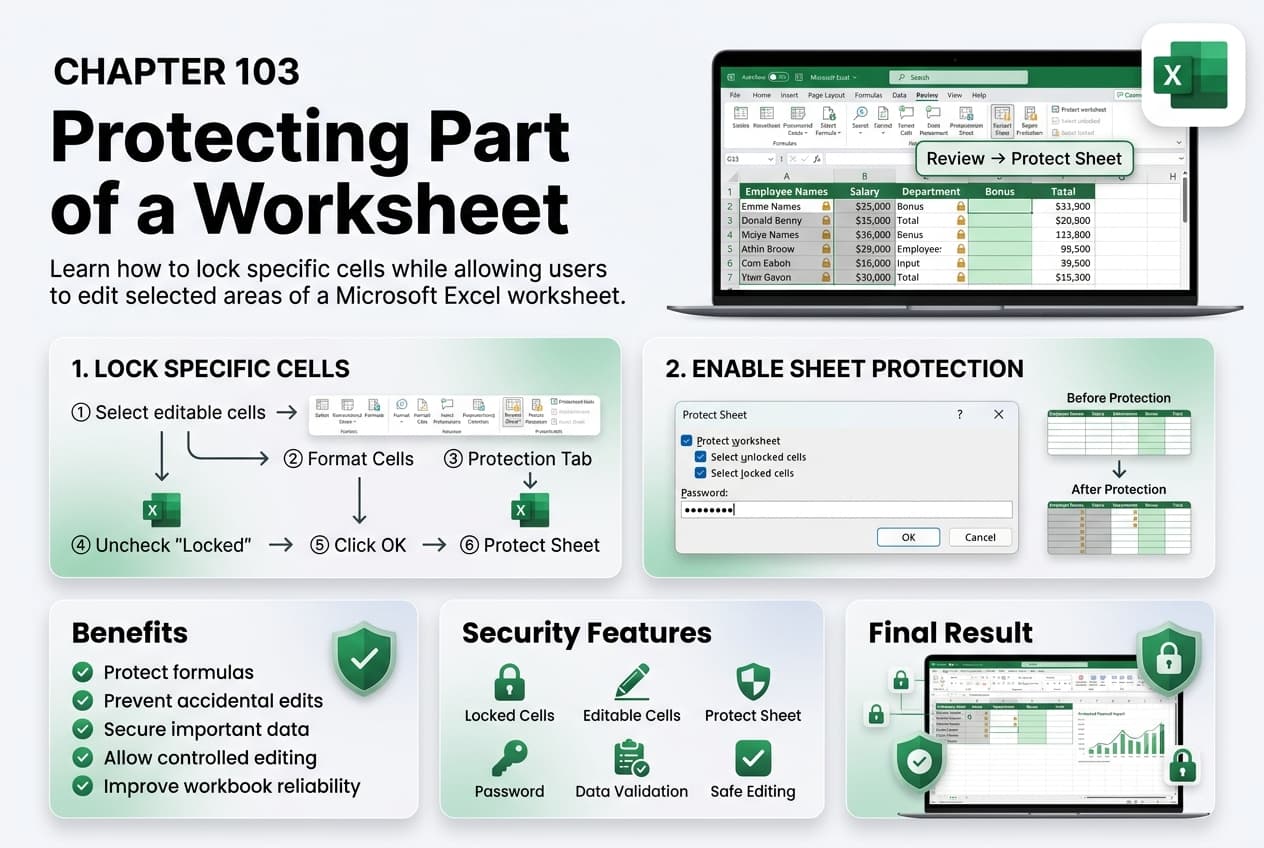
Chapter 103: Protecting Part of a Worksheet
Chapter Description
In this chapter, you’ll learn how to protect specific parts of a worksheet in Microsoft Excel while allowing users to edit designated cells. This feature is useful when you want to secure formulas, headings, or important data without restricting access to the entire worksheet. By locking selected cells and unlocking others before applying worksheet protection, you can create worksheets that are both secure and user-friendly.
You’ll explore how to lock and unlock cells, apply worksheet protection, define editable ranges, and manage protection settings. You’ll also learn how to remove or modify protection when changes are required and follow best practices for safeguarding critical worksheet content.
This lesson is especially useful for creating data entry forms, budgeting templates, timesheets, invoices, attendance records, and shared worksheets where only certain areas should be editable.
What You’ll Learn
-
Understanding partial worksheet protection in Microsoft Excel
-
Locking and unlocking specific cells
-
Protecting a worksheet while allowing selected cells to remain editable
-
Creating editable ranges for users
-
Modifying and removing worksheet protection
-
Protecting formulas and important data
-
Managing user editing permissions
-
Best practices for securing worksheet content
Learning Outcome
By the end of this chapter, you’ll be able to confidently protect specific parts of a worksheet in Microsoft Excel, ensuring important data and formulas remain secure while allowing users to edit designated areas. You’ll create structured, secure, and easy-to-use worksheets for both personal and professional applications.

