

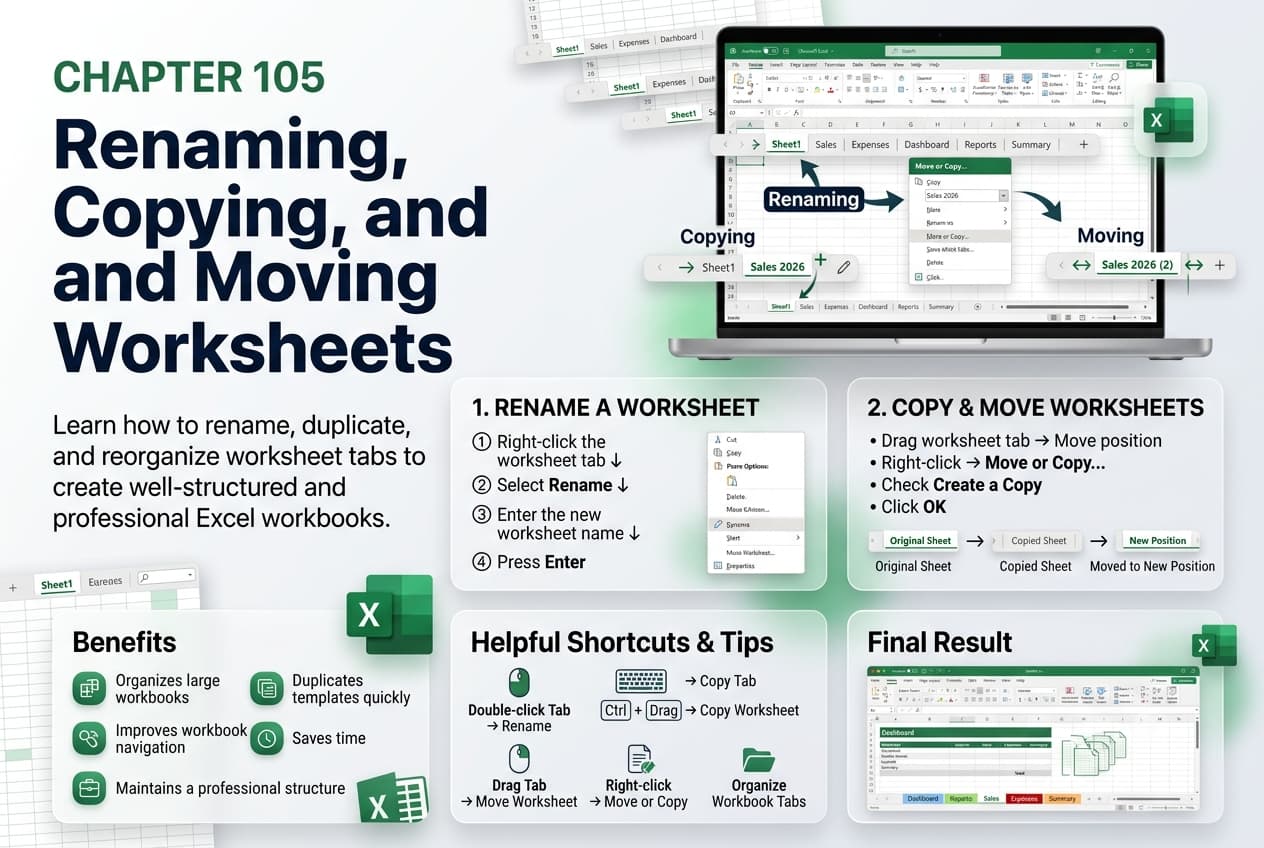
Chapter 105: Renaming, Copying, and Moving Worksheets
Chapter Description
In this chapter, you’ll learn how to rename, copy, and move worksheets in Microsoft Excel to organize your workbooks more effectively. Giving worksheets meaningful names makes navigation easier, while copying and moving worksheets allows you to reuse existing content and arrange sheets in a logical order without recreating them.
You’ll explore different methods for renaming worksheet tabs, copying worksheets within the same workbook or to another workbook, moving worksheets using drag-and-drop or the Move or Copy command, and maintaining formulas, formatting, and charts during the process. You’ll also learn best practices for organizing workbooks with multiple worksheets.
This lesson is especially useful for managing monthly reports, financial statements, project plans, inventory records, dashboards, and workbook templates.
What You’ll Learn
- Understanding worksheet management in Microsoft Excel
- Renaming worksheet tabs
- Copying worksheets within the same workbook
- Copying worksheets to another workbook
- Moving worksheets using drag-and-drop
- Using the Move or Copy command
- Preserving worksheet content during copying and moving
- Best practices for organizing workbook worksheets
Learning Outcome
By the end of this chapter, you’ll be able to confidently rename, copy, and move worksheets in Microsoft Excel, making your workbooks easier to navigate, better organized, and more efficient to manage for both personal and professional use.

