

Chapter 108: Searching for Values in a Workbook
Chapter Description
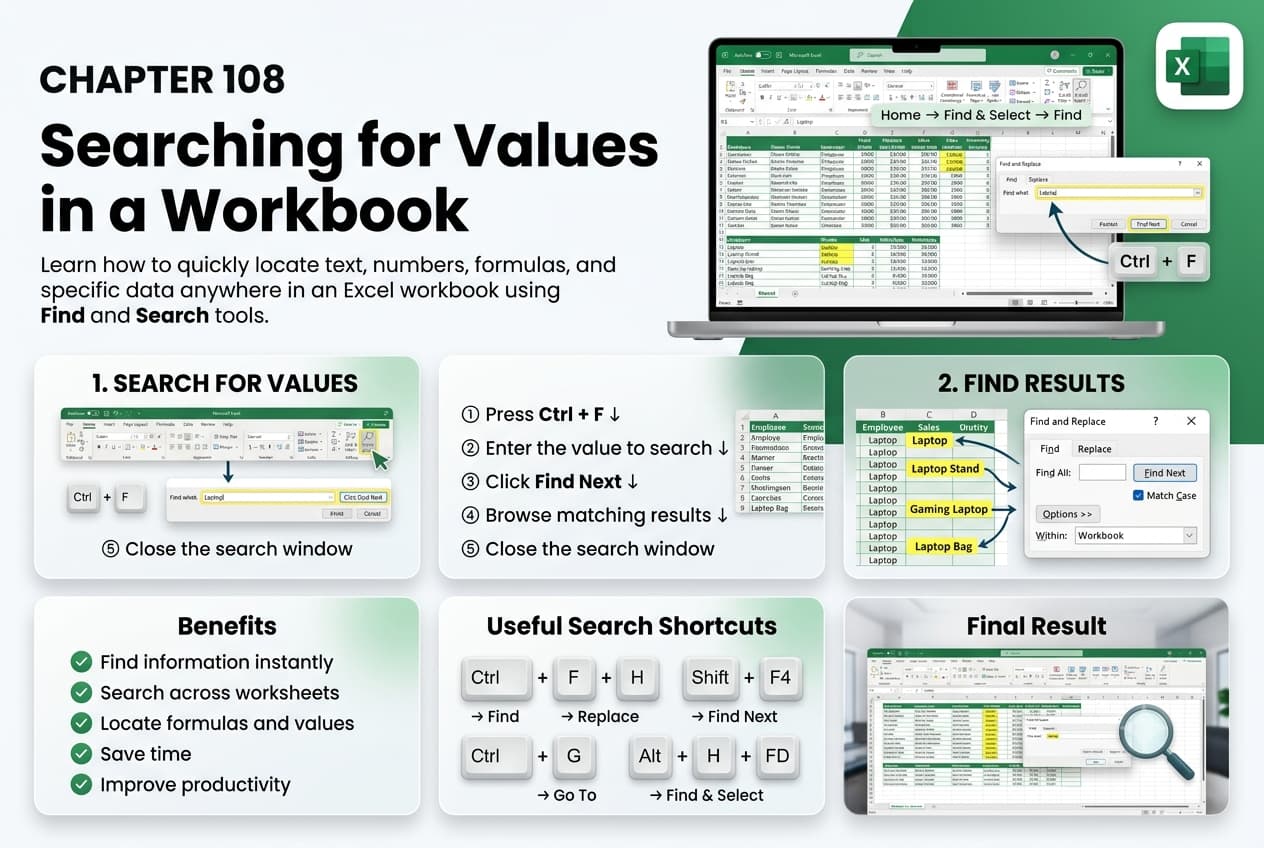
In this chapter, you’ll learn how to search for values in a Microsoft Excel workbook to quickly locate specific data within worksheets. As workbooks grow larger and more complex, Excel’s search tools help you find text, numbers, formulas, and formatting efficiently, saving time and improving productivity.
You’ll explore how to use the Find and Find and Replace features, search within a worksheet or an entire workbook, locate formulas, comments, and specific formatting, and refine search results using advanced options. You’ll also learn how to replace values safely while preserving the integrity of your data.
This lesson is especially useful for reviewing financial reports, updating customer records, checking inventory lists, auditing formulas, and managing large datasets.
What You’ll Learn
- Understanding the Find and Replace features in Microsoft Excel
- Searching for text, numbers, and formulas
- Searching within a worksheet or the entire workbook
- Using advanced search options
- Finding cells with specific formatting
- Replacing values safely using Find and Replace
- Locating comments and special cell contents
- Best practices for searching large workbooks
Learning Outcome
By the end of this chapter, you’ll be able to confidently search for and locate values in Microsoft Excel workbooks using powerful search tools. You’ll quickly find, review, and update information, making it easier to manage large datasets and maintain accurate, well-organized spreadsheets.

