

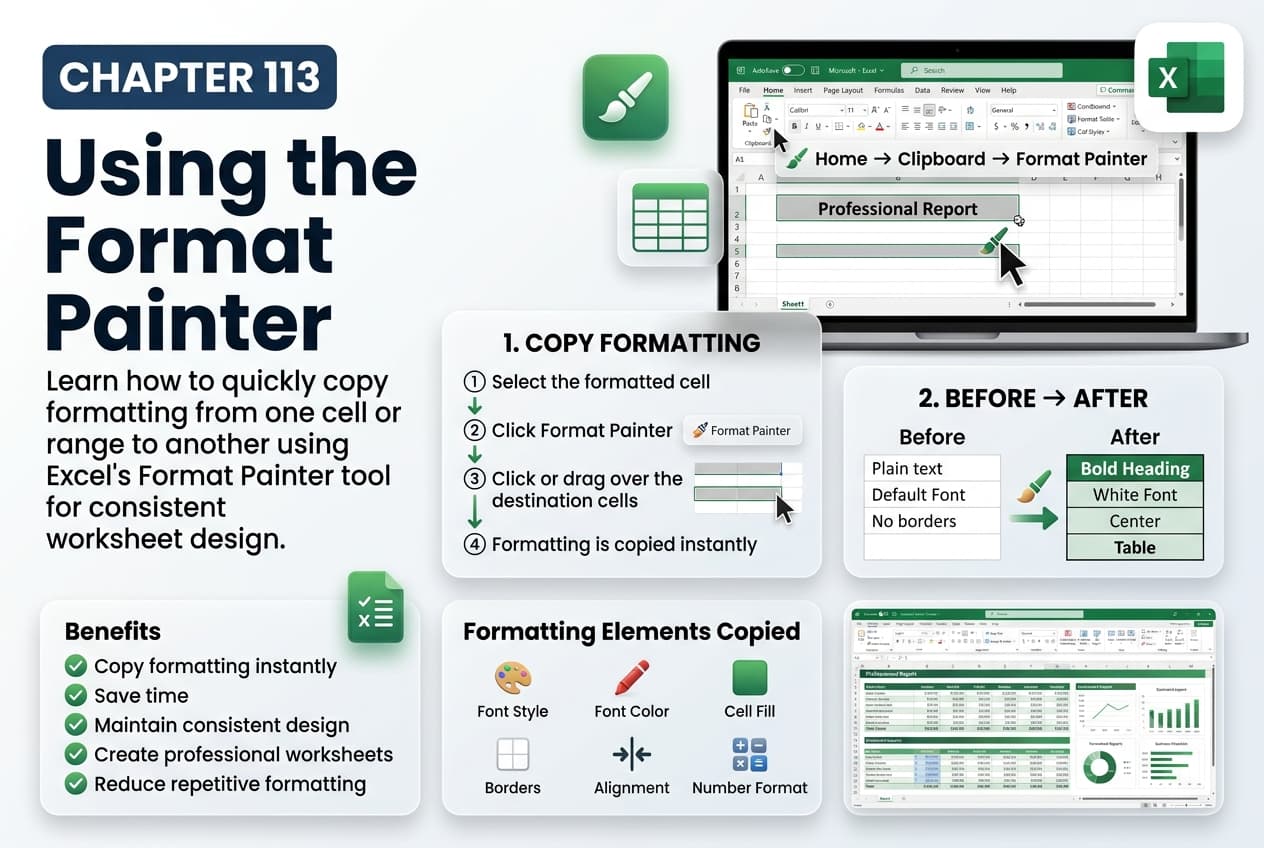
Chapter 113: Using the Format Painter
Chapter Description
In this chapter, you’ll learn how to use the Format Painter in Microsoft Excel to quickly copy formatting from one cell or range to another without copying the actual data. This powerful tool helps maintain a consistent appearance across your worksheets while saving time and reducing repetitive formatting tasks.
You’ll explore how to copy formatting to a single cell, multiple cells, rows, and columns, use the Format Painter for repeated formatting, and understand which formatting elements are copied. You’ll also learn how to combine the Format Painter with other formatting features to create professional and visually consistent worksheets.
This lesson is especially useful for formatting financial reports, dashboards, invoices, tables, project plans, and business documents where consistent formatting is essential.
What You’ll Learn
- Understanding the Format Painter in Microsoft Excel
- Copying formatting from one cell to another
- Applying formatting to multiple cells and ranges
- Using Format Painter for repeated formatting tasks
- Copying fonts, colors, borders, number formats, and alignment
- Maintaining consistent worksheet formatting
- Improving productivity with formatting shortcuts
- Best practices for using the Format Painter effectively
Learning Outcome
By the end of this chapter, you’ll be able to confidently use the Format Painter in Microsoft Excel to copy and apply formatting quickly and accurately. You’ll create professional, consistent worksheets while reducing the time spent on repetitive formatting tasks.

