

Chapter 47: Cell Content Alignment and Orientation
Chapter Description
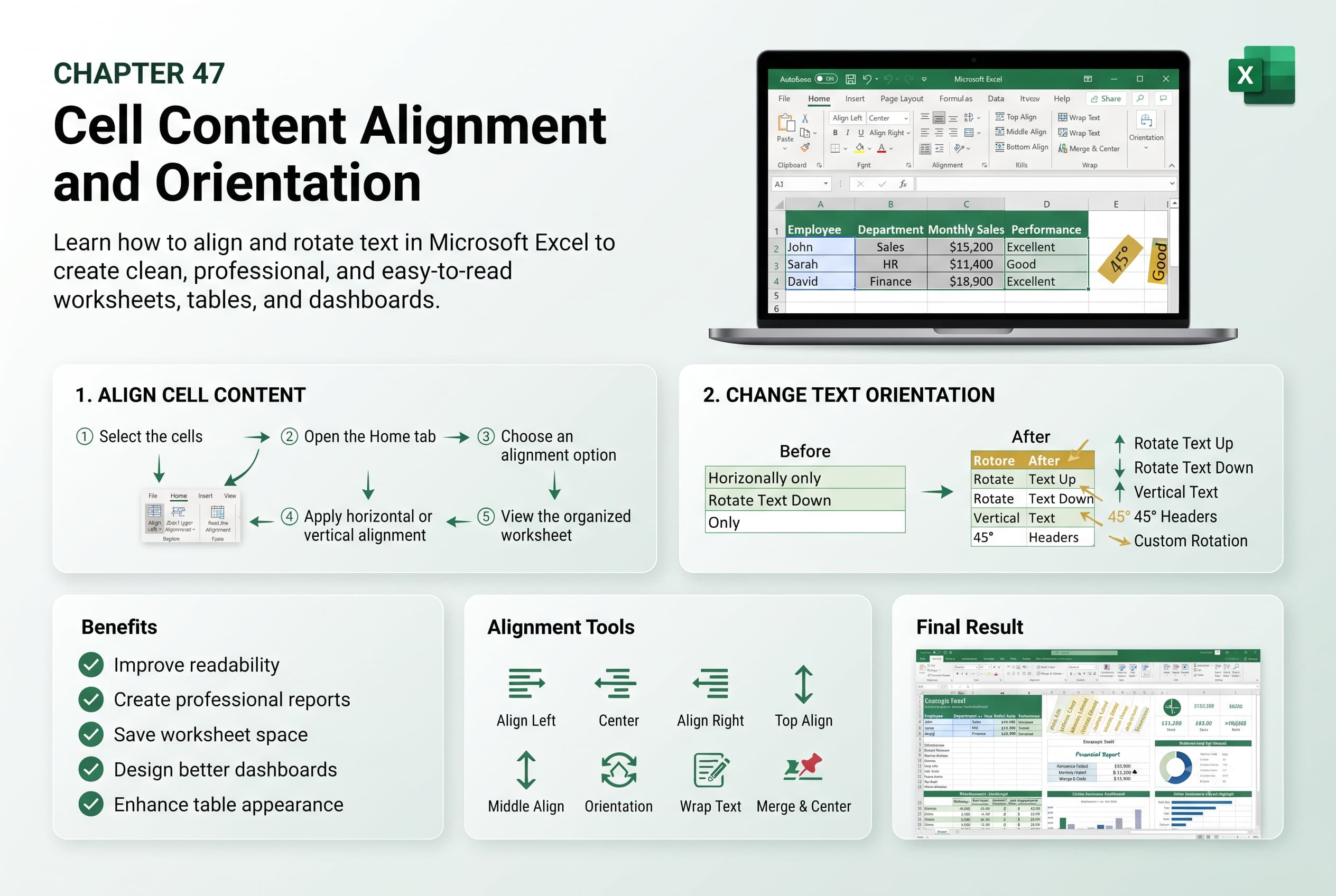
In this chapter, you’ll learn how to adjust cell content alignment and orientation in Microsoft Excel to improve the appearance, readability, and organization of your worksheets. Proper alignment helps present data in a clean and professional manner, while text orientation allows you to display content vertically, diagonally, or at custom angles to maximize space and enhance layout.
You’ll explore how to align text horizontally and vertically, rotate text, change text direction, indent cell contents, merge alignment with text wrapping, and use alignment options to create well-structured tables and reports. You’ll also learn how alignment affects worksheet presentation and printing.
This lesson is especially useful for formatting financial reports, dashboards, invoices, schedules, inventory lists, attendance records, and other worksheets that require clear and organized data presentation.
What You’ll Learn
- Understanding cell alignment and text orientation in Microsoft Excel
- Aligning text horizontally and vertically
- Rotating text to different angles
- Changing text orientation for headings and labels
- Using indentation and text alignment options
- Combining alignment with text wrapping and merged cells
- Improving worksheet readability through proper formatting
- Best practices for formatting cell content professionally
Learning Outcome
By the end of this chapter, you’ll be able to confidently align and orient cell content in Microsoft Excel to create organized, visually appealing, and professional worksheets. You’ll enhance data readability, optimize worksheet layouts, and present information more effectively for both on-screen viewing and printing.

