

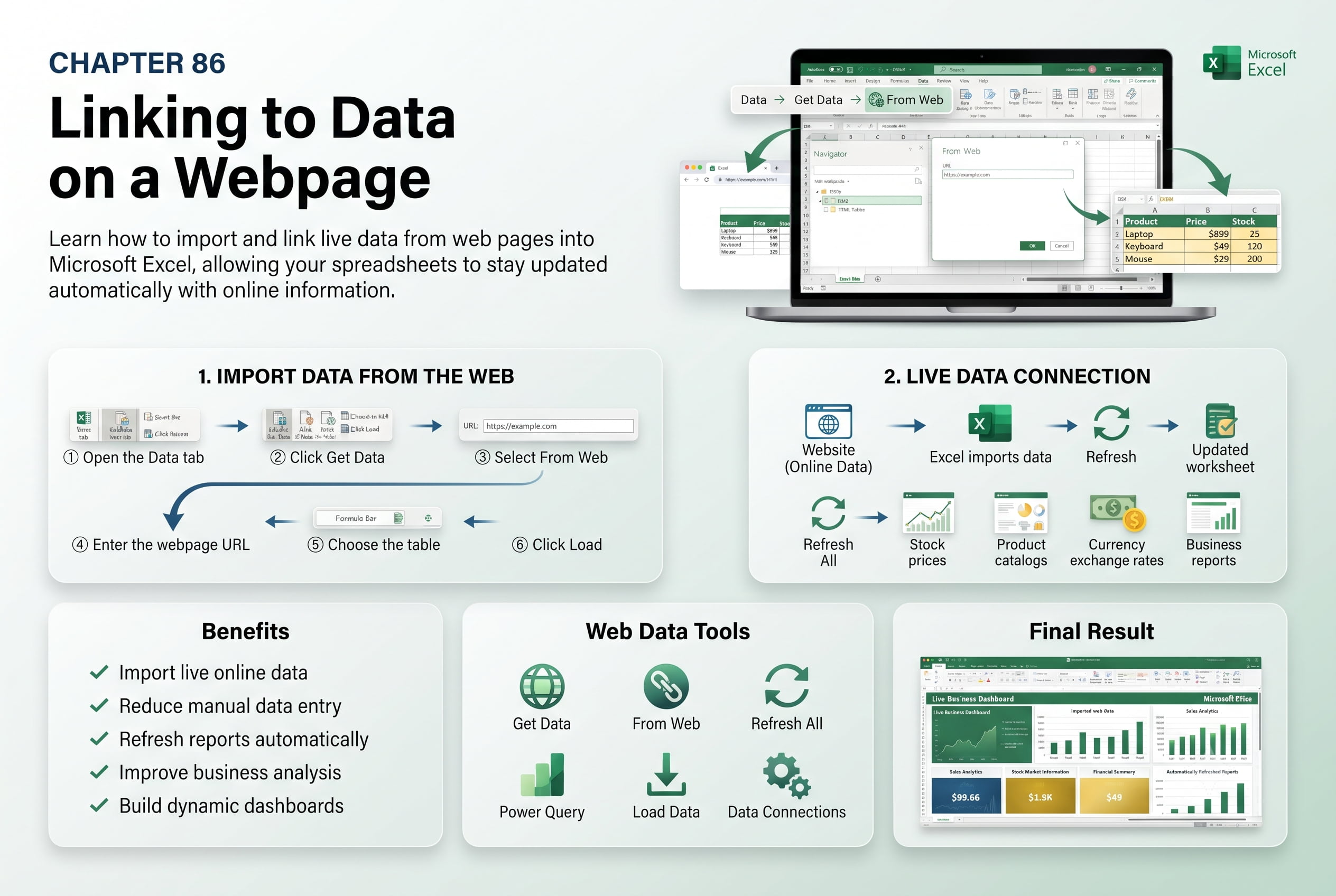
Chapter 86: Linking to Data on a Webpage
Chapter Description
In this chapter, you’ll learn how to link to data on a webpage in Microsoft Excel to import, access, and work with online information efficiently. Excel provides features that allow you to connect to web-based data sources, making it easier to keep worksheets updated with current information without manually copying and pasting data.
You’ll explore how to import data from webpages, create web queries, refresh online data connections, manage linked data, and troubleshoot common connection issues. You’ll also learn how to use hyperlinks to navigate directly to web resources and understand the benefits of working with live web data in Excel.
This lesson is especially useful for tracking stock prices, importing financial data, monitoring exchange rates, analyzing market trends, managing online reports, and creating dynamic business dashboards.
What You’ll Learn
- Understanding web data links in Microsoft Excel
- Importing data from a webpage
- Creating and managing web queries
- Refreshing linked web data automatically
- Using hyperlinks to access online resources
- Managing external data connections
- Troubleshooting webpage data import issues
- Best practices for working with web-based data
Learning Outcome
By the end of this chapter, you’ll be able to confidently link to data on a webpage in Microsoft Excel, import and refresh online information, and create dynamic worksheets that stay up to date with the latest web-based data. You’ll improve data accuracy, reduce manual data entry, and enhance your reporting and analysis capabilities.

