

Chapter 111: Text Manipulation Using Excel Functions
Chapter Description
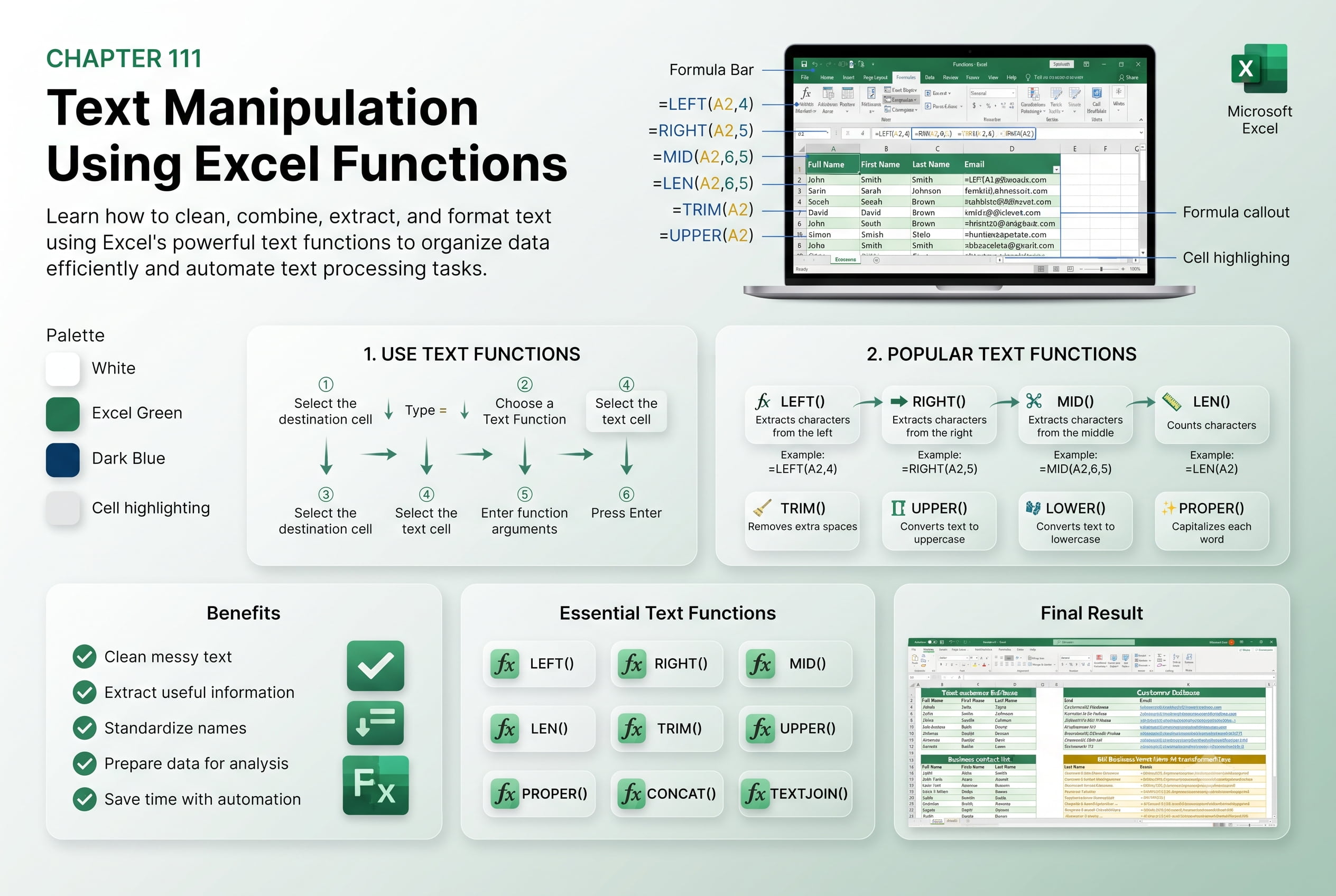
In this chapter, you’ll learn how to manipulate and transform text in Microsoft Excel using powerful built-in Text Functions. These functions help you clean, extract, combine, and modify text data, making it easier to organize information and prepare datasets for analysis. Whether you’re working with names, addresses, product codes, or imported data, text functions can significantly reduce manual work.
You’ll explore commonly used functions such as LEFT, RIGHT, MID, LEN, TRIM, UPPER, LOWER, PROPER, CONCAT, TEXTJOIN, SUBSTITUTE, REPLACE, and FIND. You’ll also learn practical techniques for combining multiple functions to solve real-world data-cleaning challenges.
This lesson is especially useful for preparing customer databases, employee records, inventory lists, sales reports, imported datasets, and business spreadsheets.
What You’ll Learn
- Understanding Excel text functions and their applications
- Extracting characters using LEFT, RIGHT, and MID
- Counting characters with the LEN function
- Removing unwanted spaces using TRIM
- Changing text case with UPPER, LOWER, and PROPER
- Combining text using CONCAT and TEXTJOIN
- Replacing and modifying text with SUBSTITUTE and REPLACE
- Finding text within a cell using the FIND function
- Combining multiple text functions for advanced text manipulation
Learning Outcome
By the end of this chapter, you’ll be able to confidently manipulate, clean, and organize text data using Excel’s text functions, helping you improve data quality, automate repetitive tasks, and create more efficient worksheets.

