

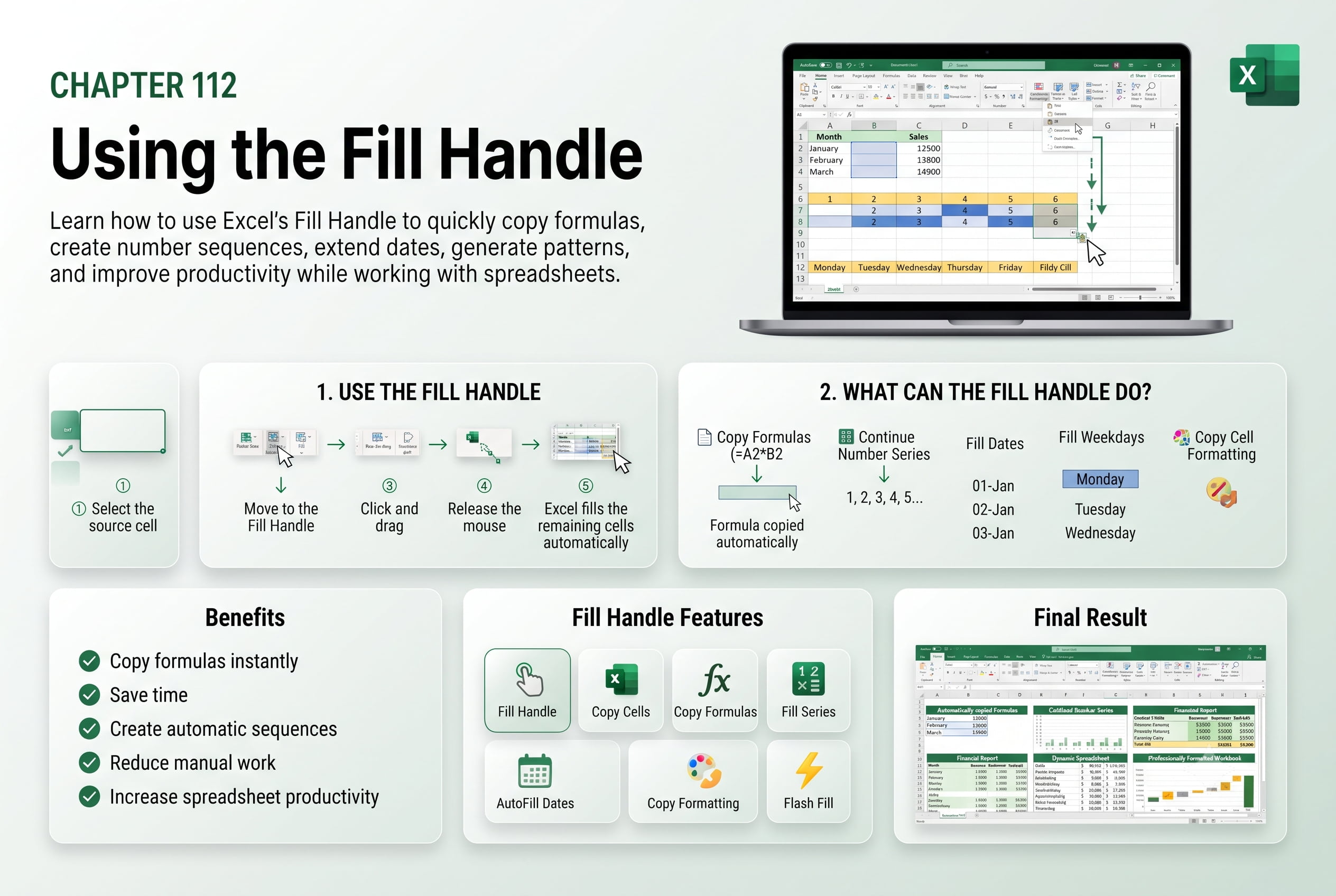
Chapter 112: Using the Fill Handle
Chapter Description
In this chapter, you’ll learn how to use the Fill Handle in Microsoft Excel to quickly copy data, formulas, formatting, and create automatic series. The Fill Handle is one of Excel’s most powerful productivity tools, allowing you to eliminate repetitive manual work and complete tasks in seconds.
You’ll explore how to fill numbers, dates, weekdays, months, custom lists, formulas, and patterns. You’ll also learn how Auto Fill works and discover techniques for controlling fill options to suit different situations.
This lesson is especially useful for creating schedules, financial worksheets, inventory records, project plans, attendance sheets, and business reports.
What You’ll Learn
- Understanding the Fill Handle in Excel
- Copying values and formulas using the Fill Handle
- Creating number and date series automatically
- Filling weekdays, months, and custom lists
- Using Auto Fill Options
- Extending formulas correctly
- Copying formatting with the Fill Handle
- Tips for increasing productivity with Auto Fill
Learning Outcome
By the end of this chapter, you’ll be able to confidently use Excel’s Fill Handle to automate repetitive tasks, fill data efficiently, copy formulas accurately, and improve your overall productivity.

