

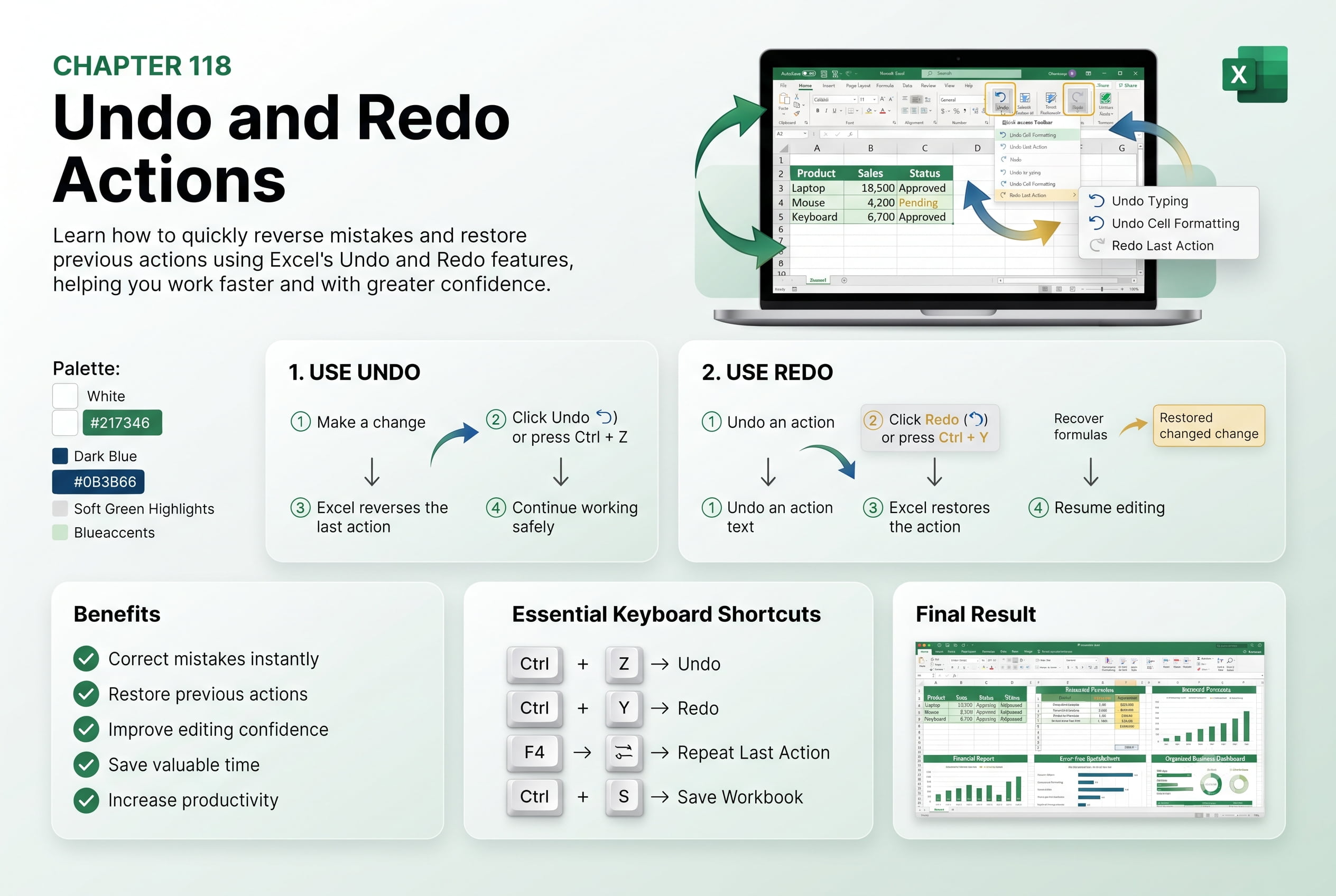
Chapter 118: Undo and Redo Actions
Chapter Description
In this chapter, you’ll learn how to use Undo and Redo commands in Microsoft Excel to quickly reverse mistakes and restore previous actions. These features allow you to experiment confidently while editing worksheets without worrying about accidental errors.
You’ll also explore keyboard shortcuts, multiple undo levels, and practical situations where Undo and Redo improve workflow efficiency.
This lesson is especially useful for everyday Excel users working with large spreadsheets, formulas, formatting, and data entry.
What You’ll Learn
- Understanding Undo and Redo
- Using keyboard shortcuts
- Reversing formatting and editing mistakes
- Restoring undone actions
- Multiple Undo levels
- Improving editing efficiency
Learning Outcome
By the end of this chapter, you’ll be able to confidently use Undo and Redo to recover from mistakes, improve accuracy, and work more efficiently in Excel.

