

Chapter 132: Viewing and Scrolling Multiple Workbooks
Chapter Description
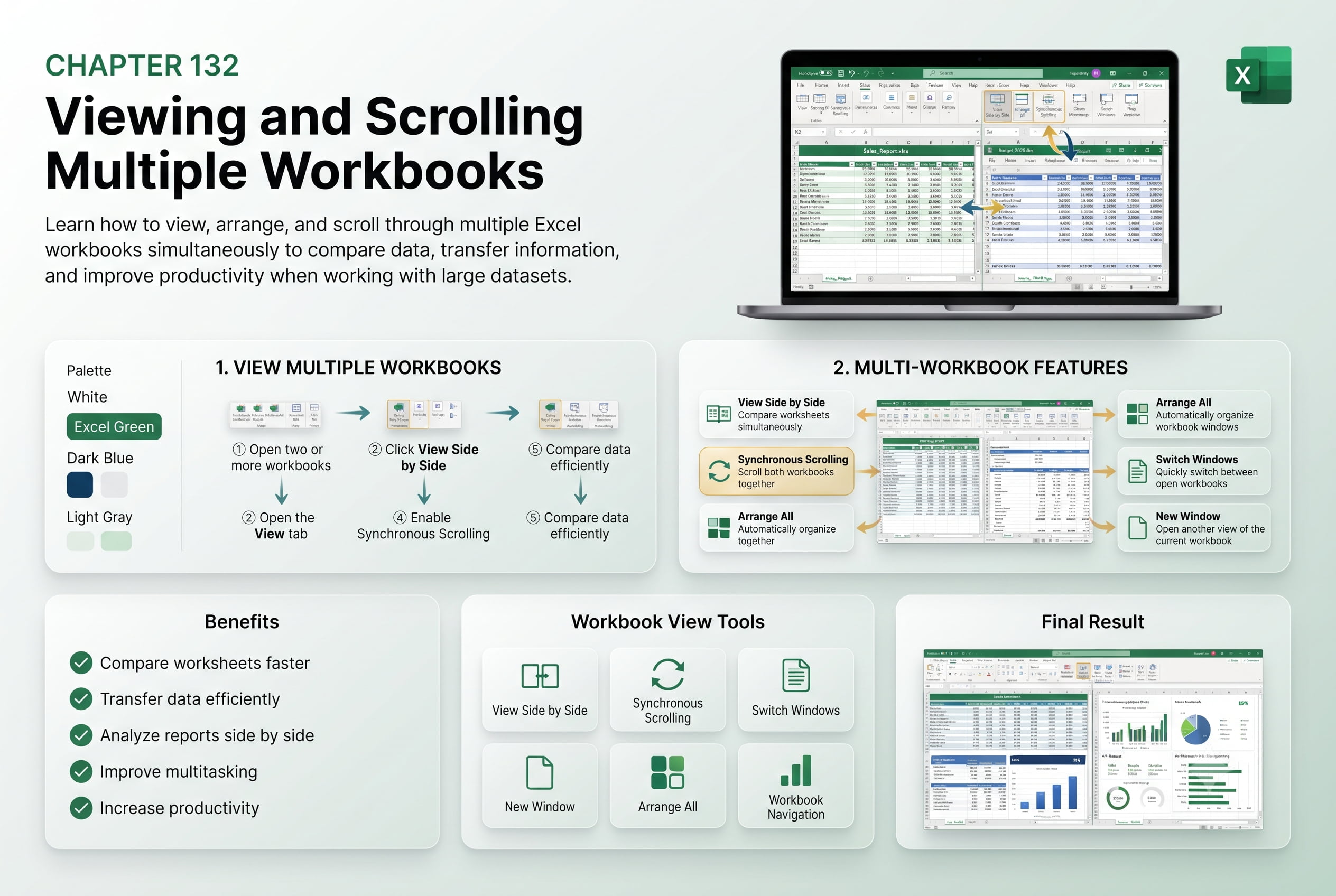
In this chapter, you’ll learn how to view, arrange, and scroll multiple workbooks simultaneously in Microsoft Excel. Working with multiple files at the same time makes it easier to compare data, transfer information, verify calculations, and improve productivity.
You’ll explore features such as Arrange All, View Side by Side, Synchronous Scrolling, and switching between workbooks efficiently.
This lesson is especially useful for accountants, analysts, project managers, data entry professionals, and anyone working with multiple Excel files.
What You’ll Learn
- Opening multiple workbooks
- Arranging workbook windows
- Viewing workbooks side by side
- Using synchronous scrolling
- Switching between open workbooks
- Comparing data across files
- Best practices for multi-workbook productivity
Learning Outcome
By the end of this chapter, you’ll be able to confidently work with multiple Excel workbooks simultaneously, making data comparison, analysis, and reporting faster and more efficient.

