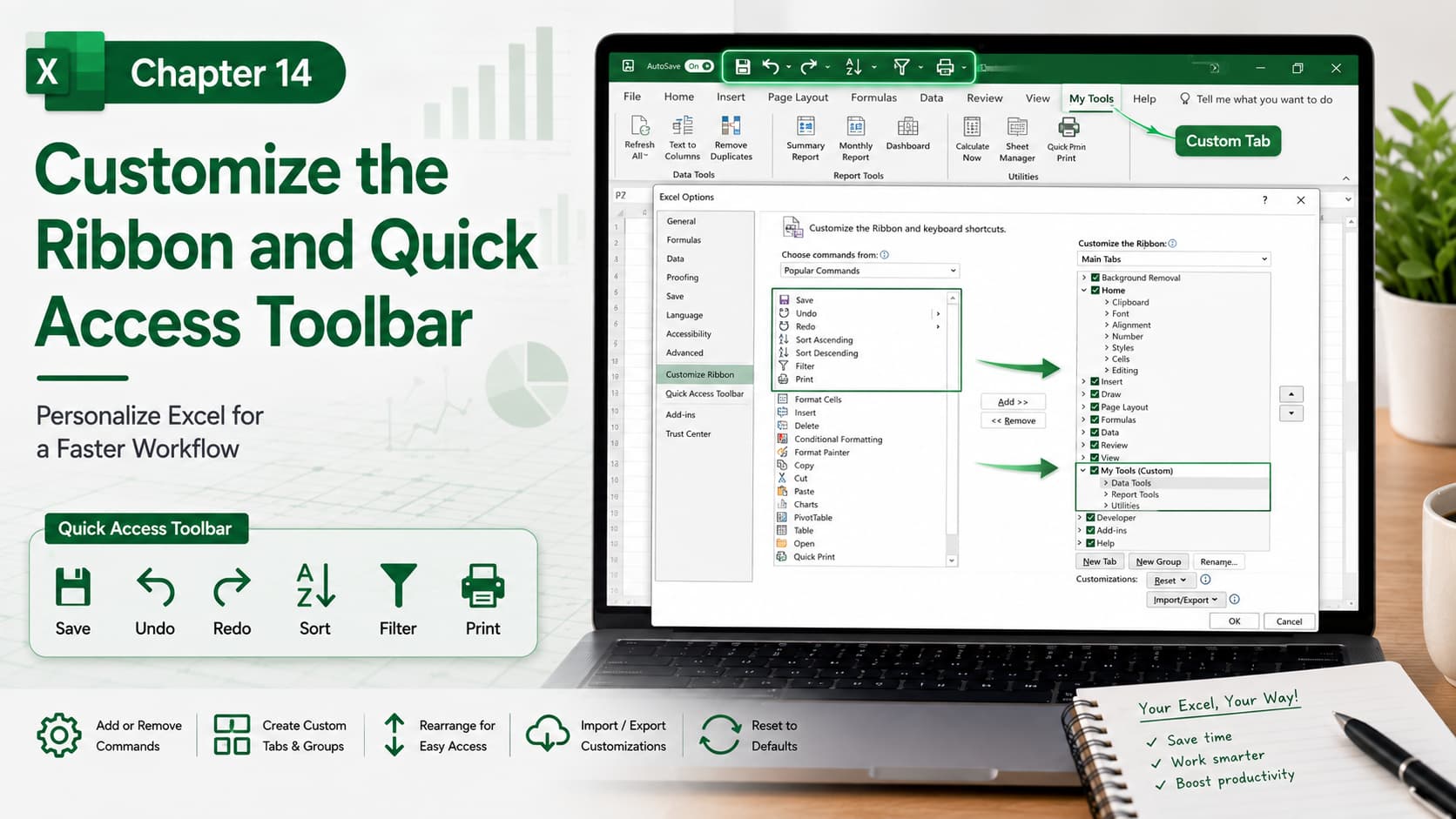
Chapter 14: Customize the Ribbon and Quick Access Toolbar
Chapter Description
In this chapter, you’ll learn how to personalize the Microsoft Excel interface by customizing the Ribbon and the Quick Access Toolbar. You’ll discover how to add, remove, organize, and rearrange commands so that your most frequently used tools are always within easy reach.
Whether you’re a beginner or an advanced Excel user, customizing the interface can significantly improve your workflow, reduce repetitive clicks, and boost productivity.
What You’ll Learn
-
Understanding the Ribbon and Quick Access Toolbar
-
Adding and removing Ribbon commands
-
Creating custom Ribbon tabs and groups
-
Rearranging commands for easier access
-
Customizing the Quick Access Toolbar
-
Importing and exporting customization settings
-
Resetting the Ribbon and Quick Access Toolbar
-
Best practices for creating an efficient workspace
Learning Outcome
By the end of this chapter, you’ll be able to customize the Excel Ribbon and Quick Access Toolbar to match your workflow. You’ll know how to organize frequently used commands, create a personalized workspace, and work faster with a more efficient Excel interface.

