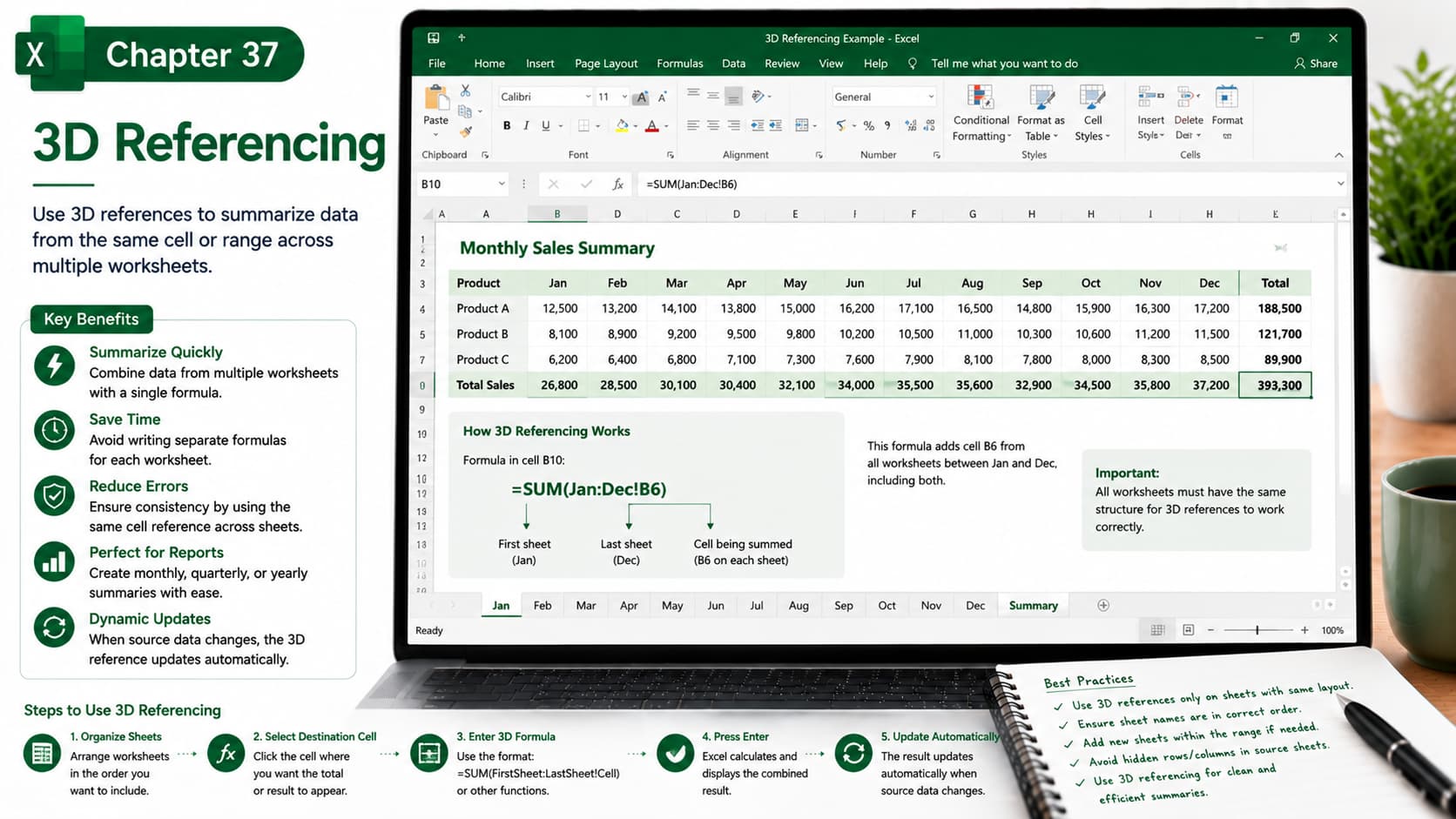
Chapter 37: 3D Referencing
Chapter Description
In this chapter, you’ll learn how to use 3D Referencing in Microsoft Excel to perform calculations across multiple worksheets with a single formula. Instead of creating separate formulas for each sheet, 3D references allow you to summarize data from the same cell or range across consecutive worksheets, making workbook management faster and more efficient.
This feature is especially useful for consolidating monthly reports, departmental budgets, sales data, financial statements, and project tracking where worksheets share the same structure.
What You’ll Learn
-
Understanding 3D References in Excel
-
Creating formulas that reference multiple worksheets
-
Using functions like SUM, AVERAGE, COUNT, MAX, and MIN with 3D references
-
Consolidating monthly, quarterly, and yearly data
-
Managing worksheets for accurate 3D calculations
-
Updating formulas when worksheets are added or removed
-
Common limitations and best practices
-
Real-world applications of 3D referencing
Learning Outcome
By the end of this chapter, you’ll be able to create and use 3D references to analyze and consolidate data across multiple worksheets efficiently. You’ll confidently build dynamic workbooks, reduce repetitive formulas, improve accuracy, and save time when working with large, multi-sheet Excel files.

