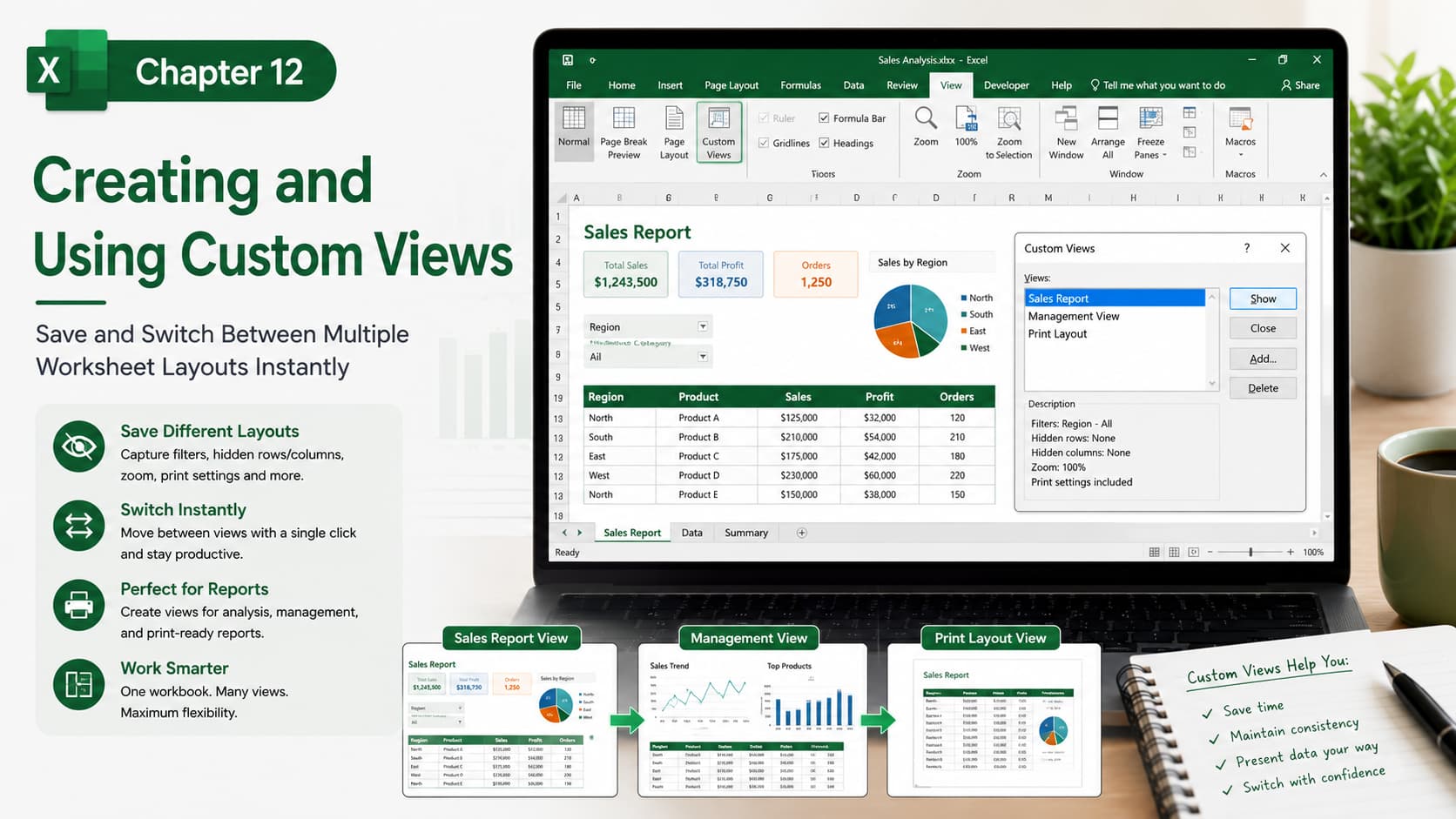
Chapter 12: Creating and Using Custom Views
Chapter Description
In this chapter, you’ll learn how to create and manage Custom Views in Microsoft Excel. Custom Views allow you to save different display and print settings for the same worksheet, making it easy to switch between layouts without manually changing filters, hidden rows or columns, zoom levels, print settings, and window arrangements.
This feature is especially useful for users who prepare reports for different audiences or frequently work with large and complex worksheets.
What You’ll Learn
-
Understanding Custom Views in Excel
-
Creating a new Custom View
-
Saving display and print settings
-
Switching between multiple Custom Views
-
Editing and deleting Custom Views
-
Using Custom Views for reporting and presentations
-
Managing worksheets with different layouts
-
Best practices for organizing workbook views
Learning Outcome
By the end of this chapter, you’ll be able to create, save, and switch between Custom Views with ease. You’ll know how to present the same workbook in different ways for different purposes, improving productivity, simplifying report preparation, and creating a more efficient Excel workflow.

