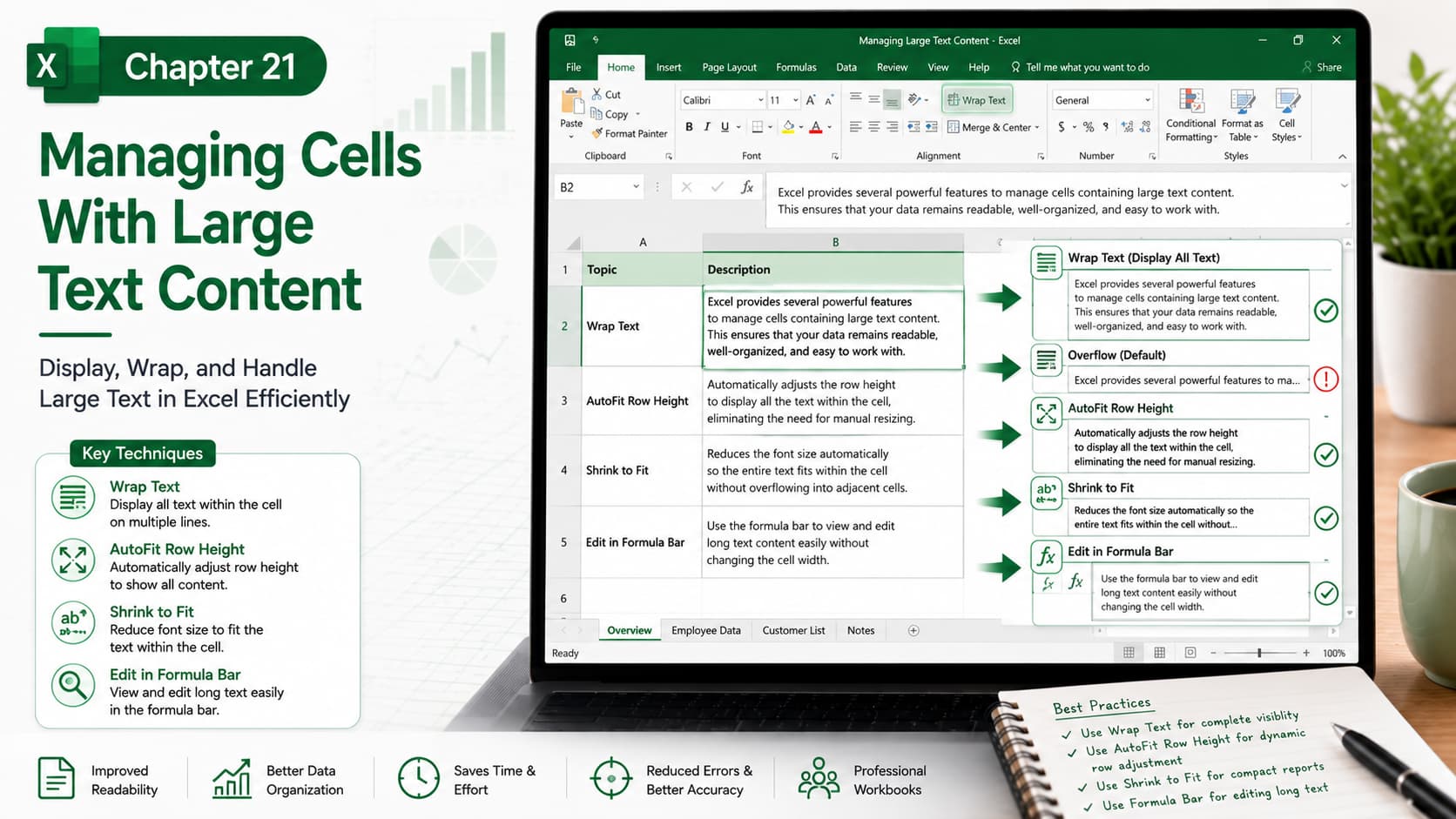
Chapter 21: Managing Cells With Large Text Content
Chapter Description
In this chapter, you’ll learn how to effectively manage cells containing large amounts of text in Microsoft Excel. Long text entries can make worksheets difficult to read and navigate, but Excel provides several powerful tools to display, format, and organize text without compromising your data.
You’ll explore features such as Wrap Text, AutoFit Row Height, Shrink to Fit, Merge Cells, and the Formula Bar to improve readability and create clean, professional-looking spreadsheets. These techniques are essential for reports, dashboards, forms, and data-entry worksheets.
What You’ll Learn
-
Understanding how Excel handles long text
-
Using Wrap Text to display content on multiple lines
-
Adjusting row height and column width automatically
-
Using Shrink to Fit for compact cell display
-
Editing long text efficiently with the Formula Bar
-
Managing merged cells and text alignment
-
Formatting cells for better readability
-
Best practices for displaying large text in professional worksheets
Learning Outcome
By the end of this chapter, you’ll be able to confidently manage large text content in Excel cells. You’ll know how to improve worksheet readability, organize lengthy information efficiently, and create professional spreadsheets that are easy to view, edit, and print.

