About Lesson
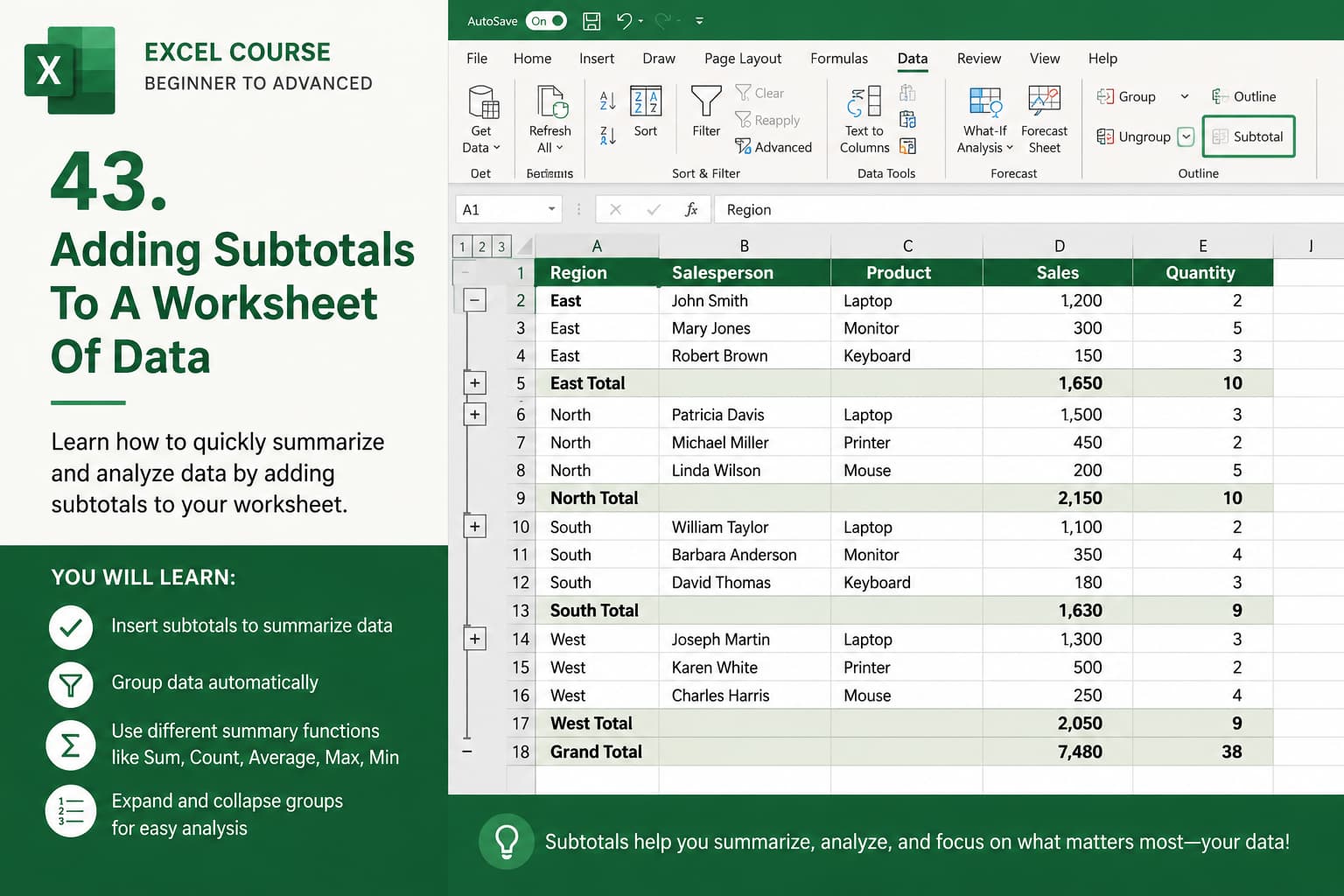
Chapter 43: Adding Subtotals to a Worksheet of Data
Chapter Description
In this chapter, you’ll learn how to use the Subtotal feature in Microsoft Excel to quickly summarize and organize large sets of data. The Subtotal command automatically inserts summary rows for groups of data, allowing you to calculate totals, averages, counts, and other statistical values without creating complex formulas.
This feature is especially useful for sales reports, inventory management, financial records, employee data, and any worksheet that requires grouped summaries and easy-to-read reports.
What You’ll Learn
- Understanding the Excel Subtotal feature
- Preparing and sorting data before creating subtotals
- Adding subtotals to grouped data
- Using different summary functions (Sum, Count, Average, Max, Min, etc.)
- Creating automatic outline levels for grouped data
- Expanding and collapsing data groups
- Modifying and removing subtotals
- Best practices for organizing and summarizing large datasets

