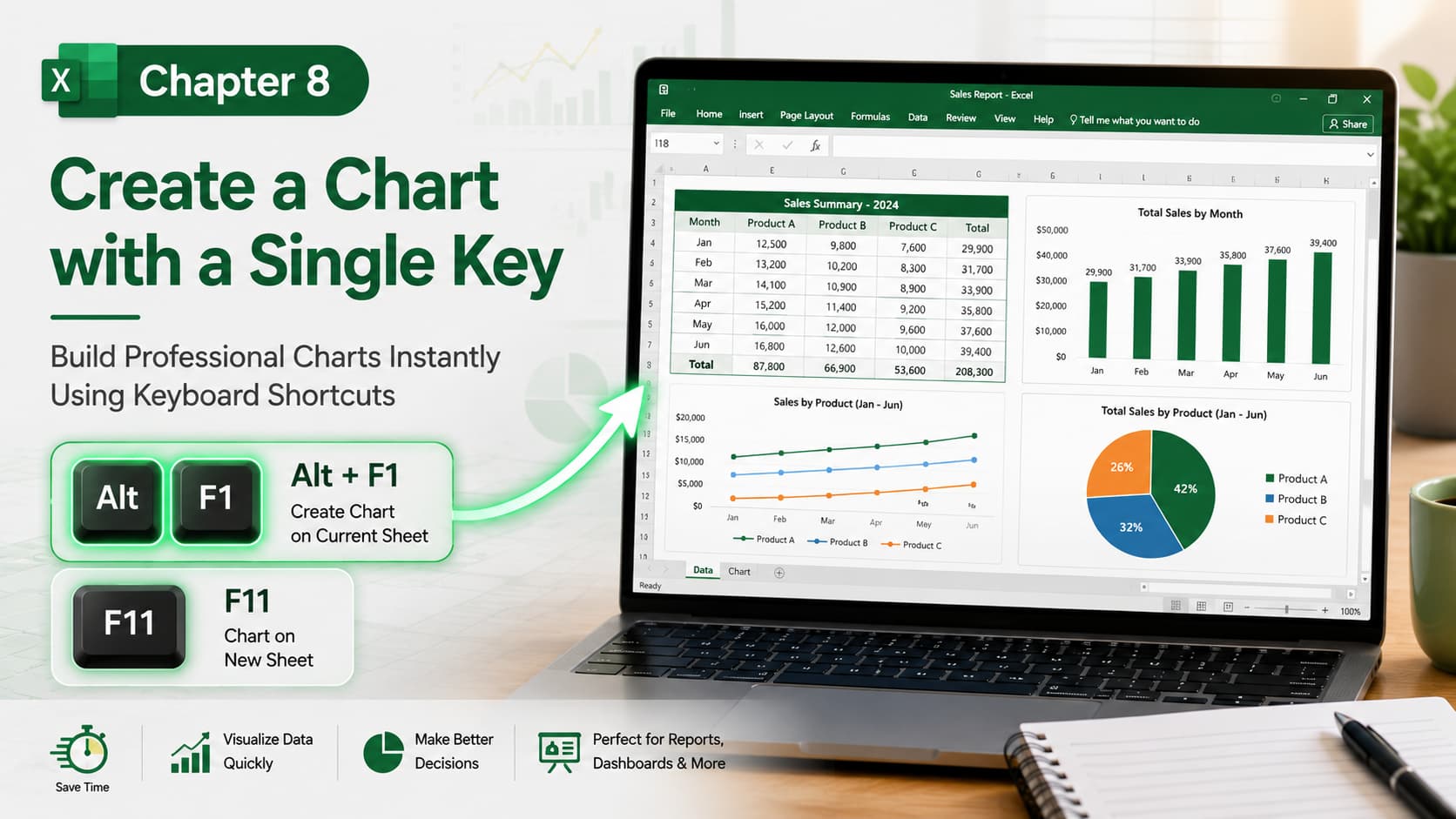
Chapter 8: Create a Chart with a Single Key
Chapter Description
Learn the fastest way to create charts in Microsoft Excel using a single keyboard shortcut. In this chapter, you’ll discover how to instantly convert your data into professional charts without navigating through multiple Ribbon menus. This time-saving feature helps you visualize data quickly for reports, dashboards, and presentations.
You’ll also learn how to choose the right chart type, customize chart elements, and present your data in a clear and visually appealing format.
What You’ll Learn
-
Understanding Excel charts
-
Selecting data for chart creation
-
Creating a chart using a single keyboard shortcut (Alt + F1)
-
Creating a chart on a separate sheet (F11)
-
Choosing the appropriate chart type
-
Customizing chart titles, legends, and labels
-
Formatting charts for professional reports
-
Best practices for effective data visualization
Learning Outcome
By the end of this chapter, you’ll be able to create professional Excel charts instantly using keyboard shortcuts. You’ll know how to transform raw data into meaningful visualizations, customize charts for better presentation, and save time when building reports and dashboards.

