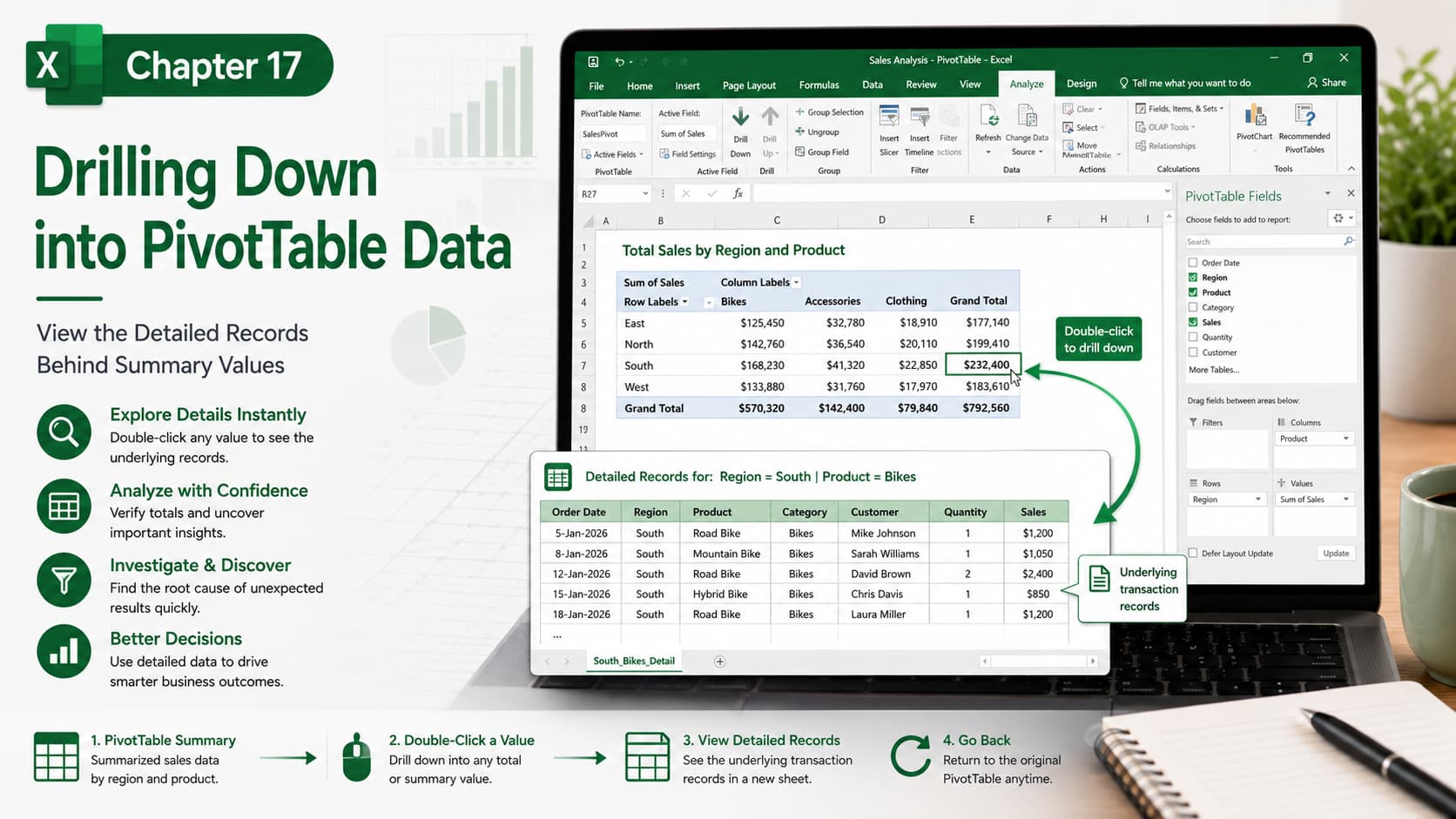
Chapter 17: Drilling Down into Pivot Table Data
Chapter Description
In this chapter, you’ll learn how to drill down into PivotTable data to view the detailed records behind summarized values. This powerful Excel feature allows you to quickly investigate totals, identify trends, verify calculations, and analyze the source data without manually searching through large datasets.
Whether you’re reviewing sales reports, financial summaries, or business dashboards, drilling down helps you gain deeper insights and validate your analysis with just a double-click.
What You’ll Learn
-
Understanding PivotTable summaries
-
Drilling down into summarized data
-
Viewing source records behind totals
-
Analyzing detailed transaction data
-
Investigating unexpected values
-
Creating drill-down worksheets automatically
-
Returning to the original PivotTable
-
Best practices for PivotTable analysis
Learning Outcome
By the end of this chapter, you’ll be able to drill down into PivotTable data to explore the detailed records behind summary values. You’ll confidently analyze large datasets, verify calculations, identify trends, and uncover valuable insights for more informed decision-making.

