Chapter 7: Controlling the Quantity of Worksheets
Chapter Description
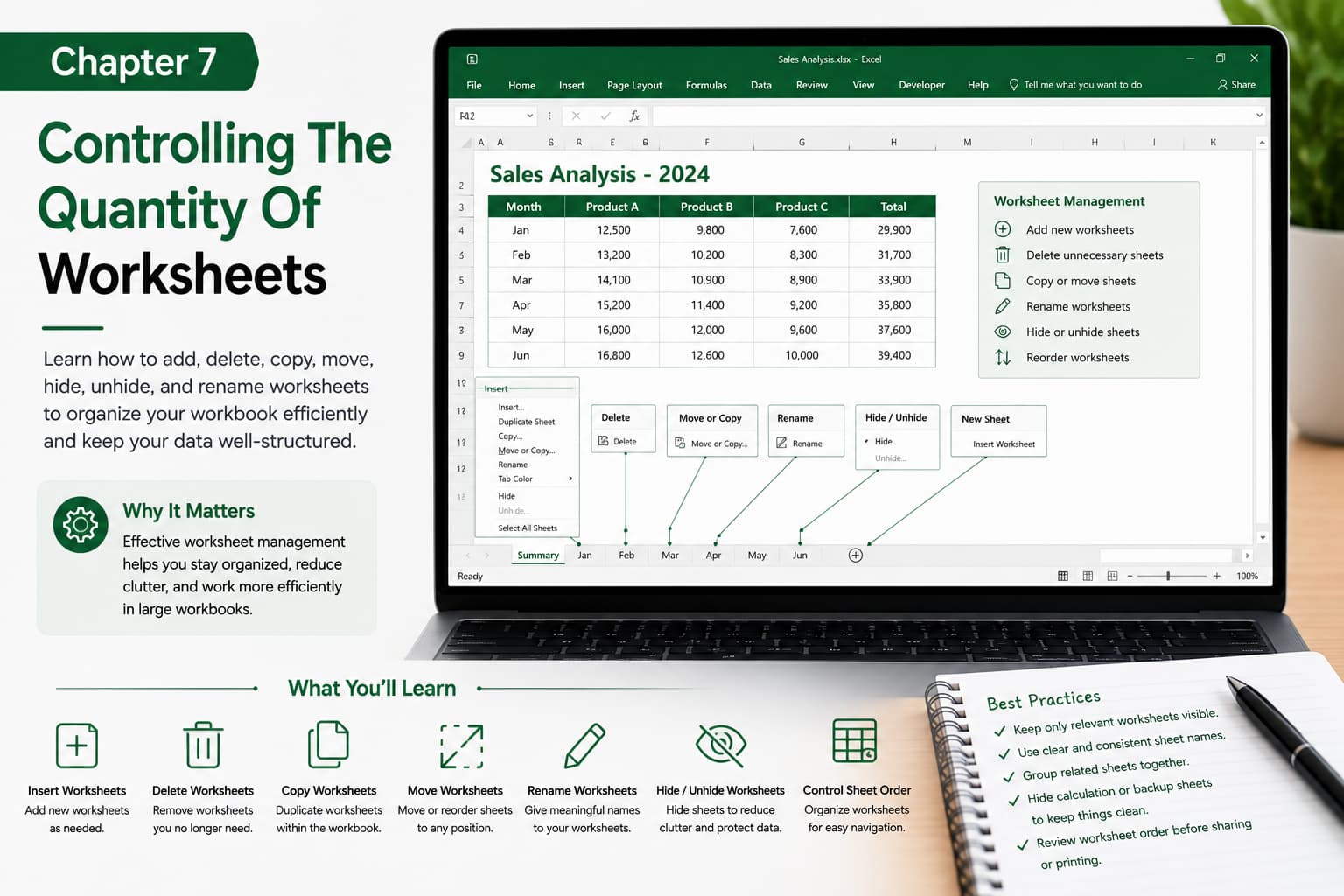
In this chapter, you’ll learn how to efficiently manage the number of worksheets in an Excel workbook. You’ll discover how to add new worksheets, delete unnecessary ones, copy and move sheets, rename them, and hide or unhide worksheets to keep your workbook organized and easy to navigate.
Proper worksheet management is essential when working with large projects, financial reports, dashboards, and business data, helping you maintain a clean and professional workbook structure.
What You’ll Learn
-
Understanding worksheet management
-
Inserting new worksheets
-
Deleting unnecessary worksheets
-
Copying and moving worksheets
-
Renaming worksheet tabs
-
Hiding and unhiding worksheets
-
Reordering worksheets for better organization
-
Best practices for managing large workbooks
Learning Outcome
By the end of this chapter, you’ll be able to organize and control the number of worksheets in any Excel workbook with confidence. You’ll know how to create a well-structured workbook, improve navigation, reduce clutter, and manage multiple worksheets efficiently for both personal and professional projects.

