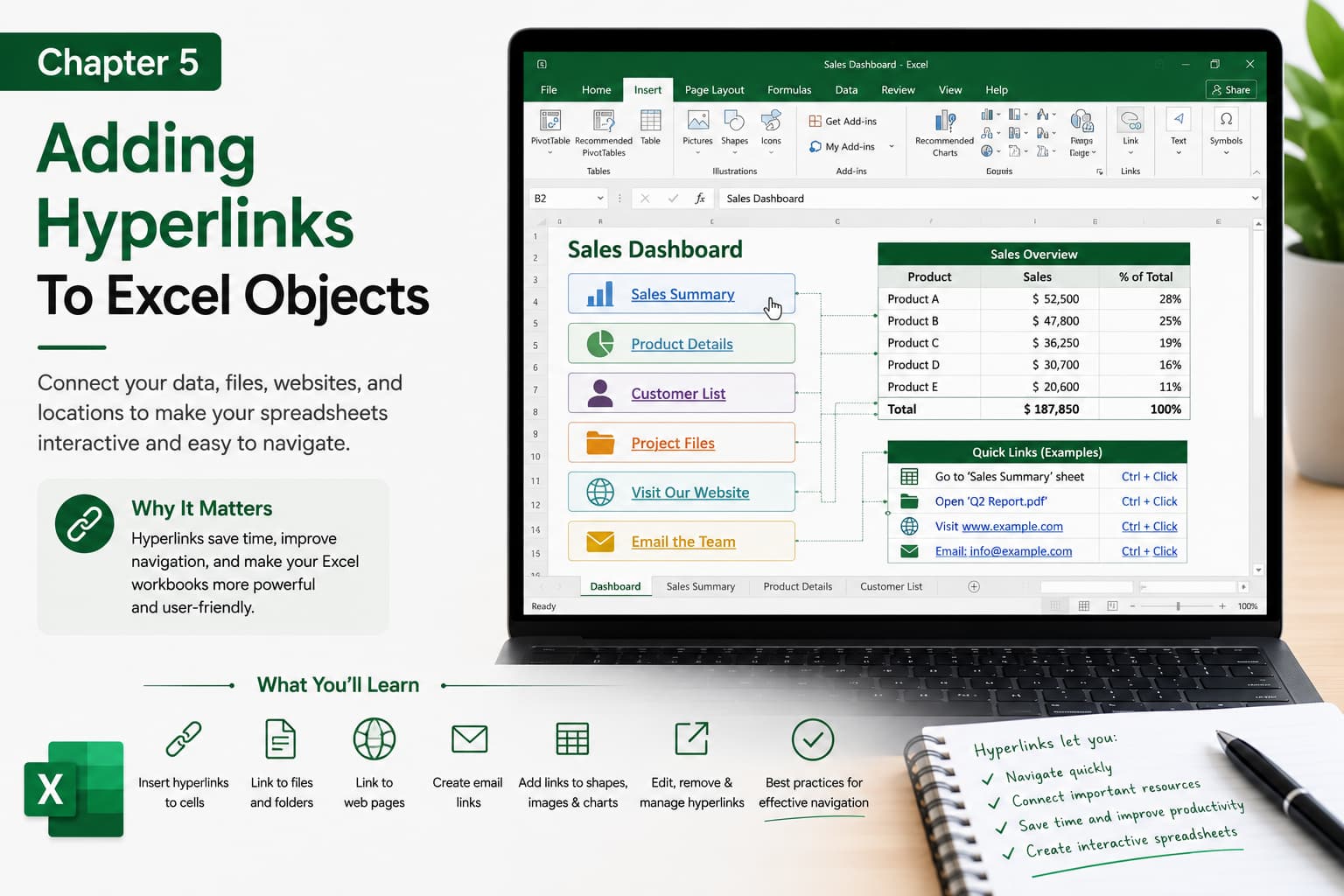
Chapter 5: Adding Hyperlinks to Excel Objects
Chapter Description
In this chapter, you’ll learn how to add hyperlinks to various Excel objects, including cells, shapes, images, charts, text boxes, and SmartArt. Hyperlinks make your workbooks more interactive by allowing users to quickly navigate between worksheets, open external files, visit websites, or compose emails with a single click.
This feature is especially useful for creating professional dashboards, reports, navigation menus, and interactive business presentations.
What You’ll Learn
-
Understanding hyperlinks in Excel
-
Adding hyperlinks to cells and ranges
-
Linking shapes, images, and icons
-
Creating links to worksheets within a workbook
-
Linking to external files and folders
-
Adding hyperlinks to websites and email addresses
-
Editing, removing, and managing hyperlinks
-
Best practices for interactive Excel workbooks
Learning Outcome
By the end of this chapter, you’ll be able to create and manage hyperlinks across Excel objects, making your spreadsheets easier to navigate, more interactive, and more professional. You’ll be able to build dashboards and reports that allow users to access related information quickly and efficiently with just one click.

