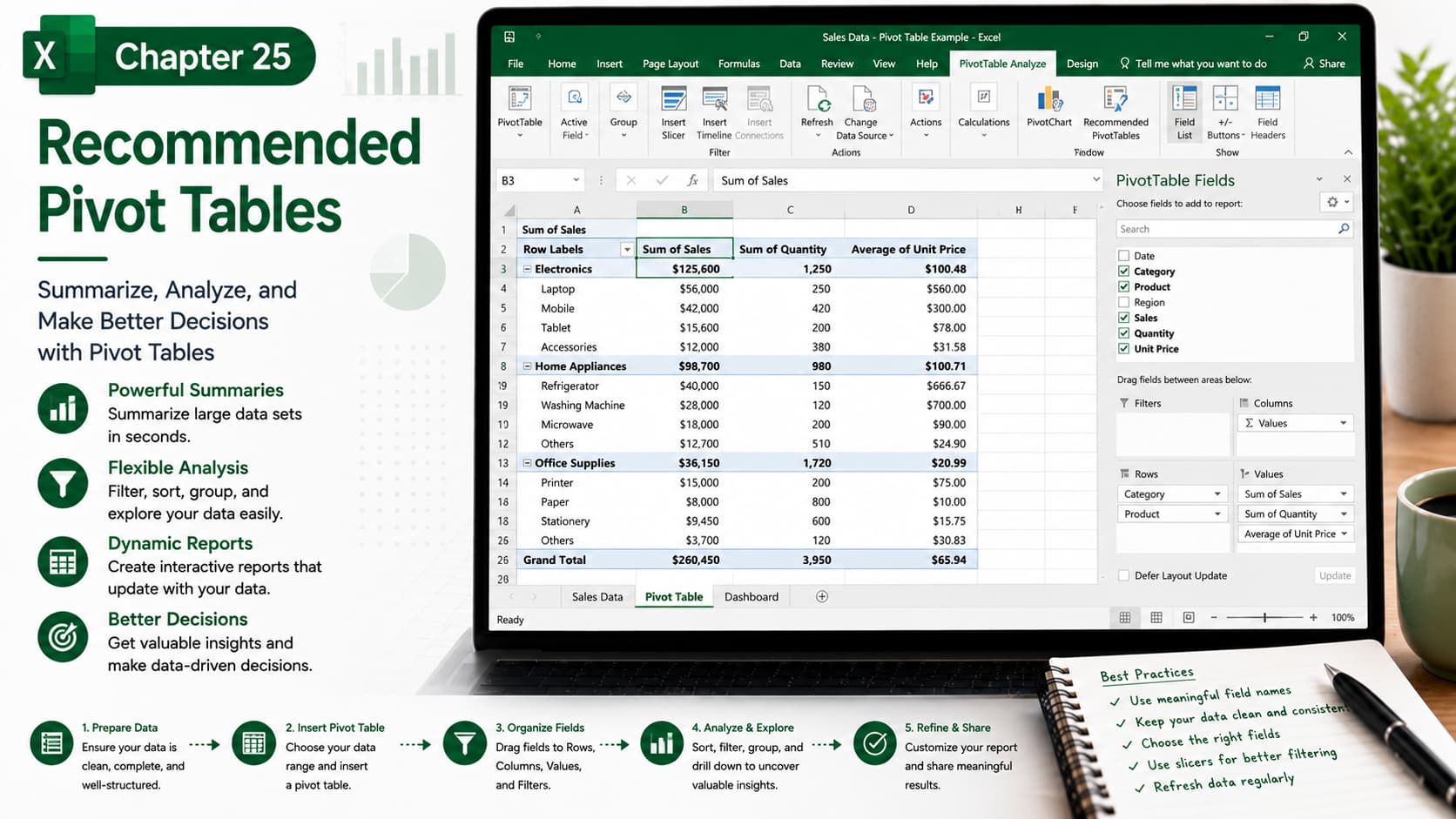
Chapter 25: Recommended Pivot Tables
Chapter Description
In this chapter, you’ll learn how to use Recommended PivotTables, a powerful Microsoft Excel feature that automatically analyzes your data and suggests the most suitable PivotTable layouts. Instead of manually designing PivotTables, Excel helps you quickly create meaningful summaries, making data analysis faster and easier.
You’ll discover how to select the best PivotTable recommendations, customize layouts, organize fields, and transform raw data into interactive reports and dashboards with just a few clicks.
What You’ll Learn
-
Understanding Recommended PivotTables
-
Creating PivotTables automatically from your data
-
Choosing the most suitable PivotTable layout
-
Customizing rows, columns, values, and filters
-
Rearranging PivotTable fields
-
Refreshing PivotTables when data changes
-
Creating interactive reports and dashboards
-
Best practices for effective data analysis
Learning Outcome
By the end of this chapter, you’ll be able to confidently use Excel’s Recommended PivotTables to analyze large datasets quickly and efficiently. You’ll know how to generate insightful reports, customize PivotTable layouts, and create professional summaries that support better business decisions and data-driven analysis.

