Chapter 130: Using the Page Break and the Page Layout Views
Chapter Description
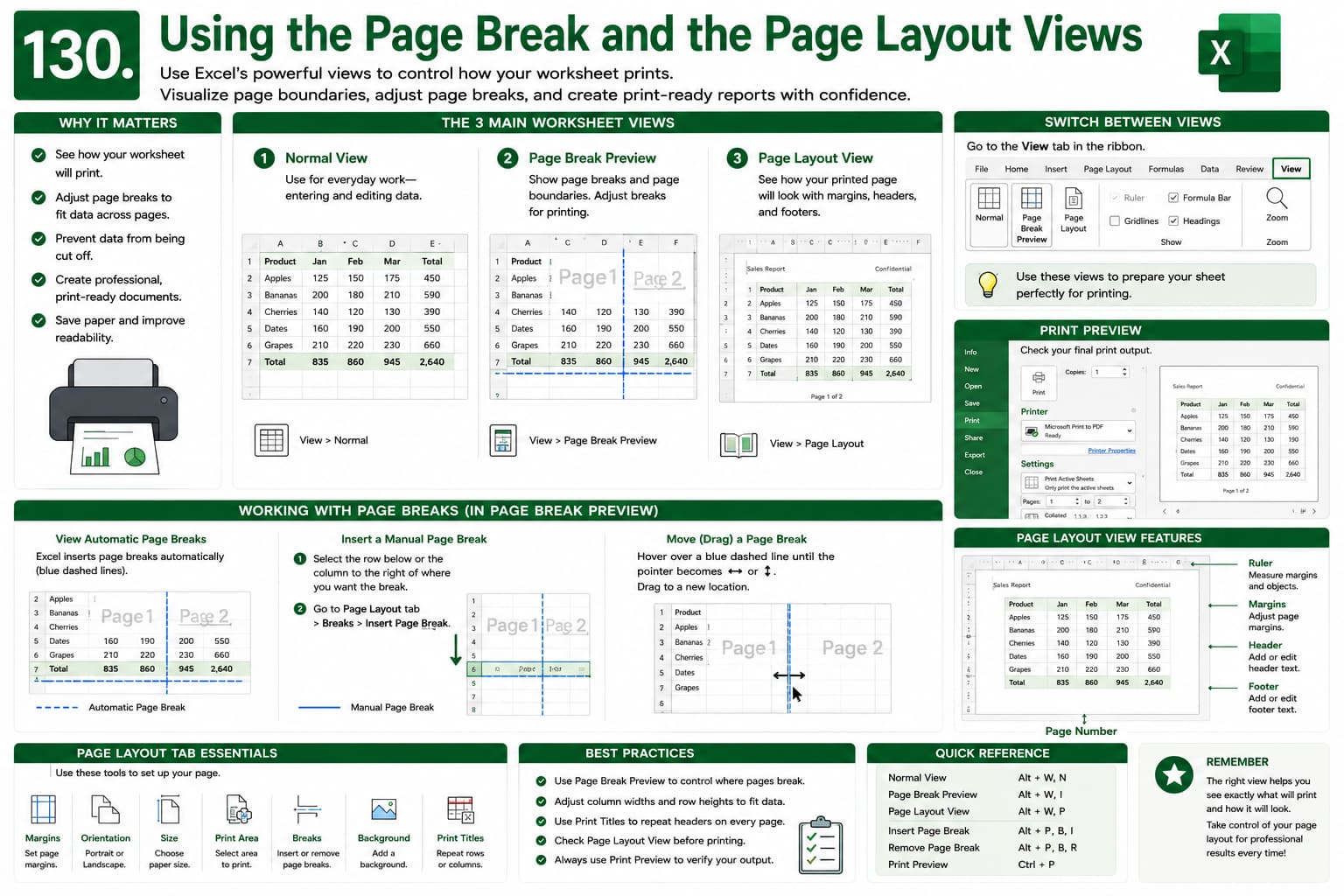
In this chapter, you’ll learn how to use Page Break Preview and Page Layout View in Microsoft Excel to prepare worksheets for professional printing. These powerful view options help you visualize page boundaries, adjust page breaks, manage margins, and ensure your data is printed exactly as intended.
You’ll discover how to insert, move, and remove page breaks, switch between worksheet views, and optimize your spreadsheet layout for reports, invoices, financial statements, and other business documents.
This lesson is essential for anyone who wants to create well-formatted, print-ready Excel worksheets with complete control over page layout and printing.
What You’ll Learn
-
Understanding Page Break Preview in Microsoft Excel
-
Using the Page Layout View
-
Viewing and adjusting automatic page breaks
-
Inserting and removing manual page breaks
-
Dragging page breaks to customize print areas
-
Viewing rulers, margins, and page boundaries
-
Switching between Normal, Page Break Preview, and Page Layout views
-
Optimizing worksheets for professional printing
-
Best practices for page setup and print layout
Learning Outcome
By the end of this chapter, you’ll be able to confidently use Page Break Preview and Page Layout View in Microsoft Excel to control how worksheets are printed. You’ll know how to adjust page breaks, optimize page layouts, improve print formatting, and produce professional-quality documents with ease.

