

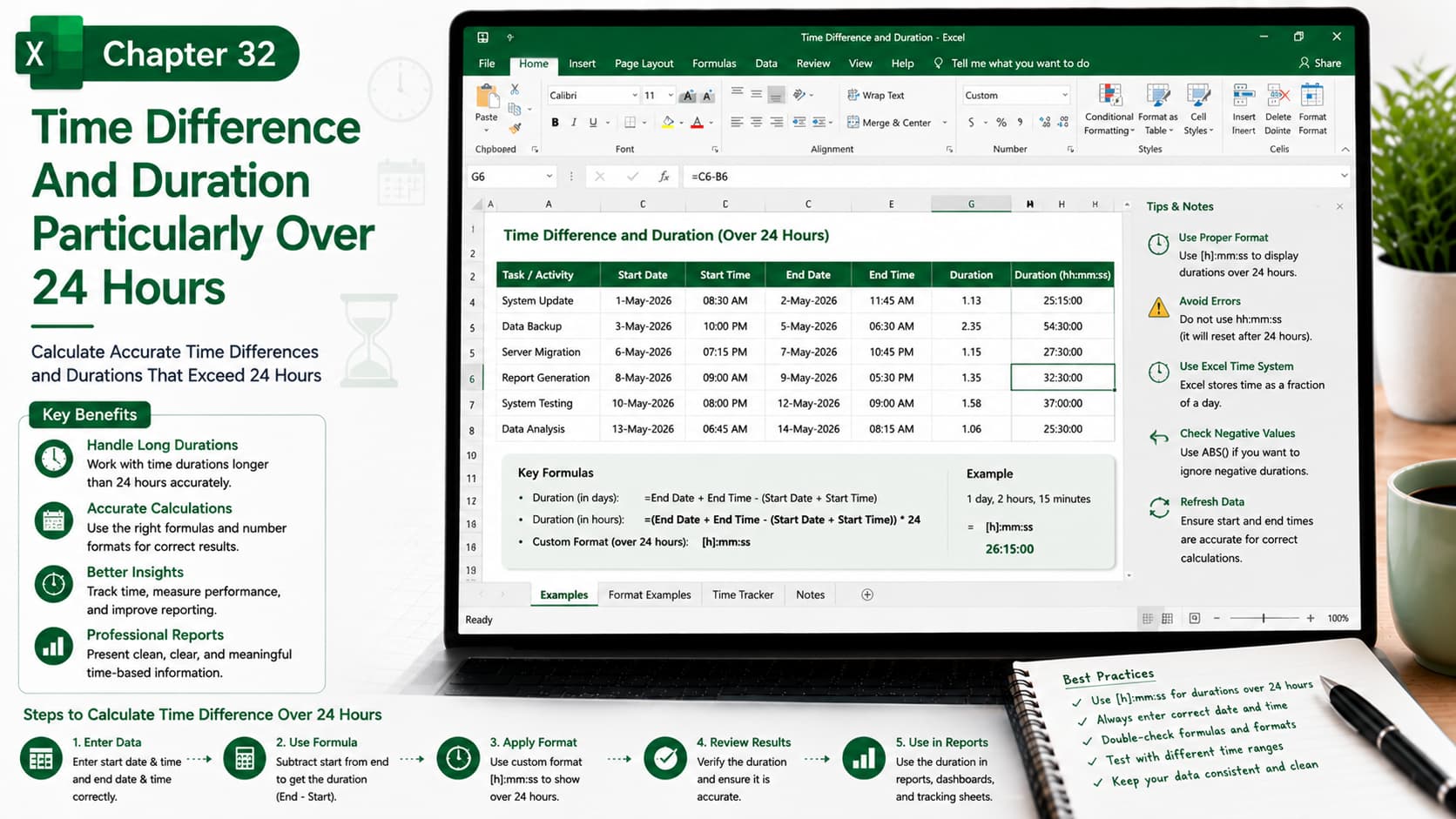
Chapter 32: Time Difference and Duration Particularly Over 24 Hours
Chapter Description
In this chapter, you’ll learn how to calculate time differences and durations that exceed 24 hours in Microsoft Excel. Since Excel stores time as a fraction of a day, special formulas and custom number formats are required to display long durations correctly.
You’ll explore how to calculate elapsed time between dates and times, apply custom formats such as [h]:mm:ss, and handle overnight shifts, project timelines, employee work hours, and other time-based calculations with accuracy.
What You’ll Learn
-
Understanding how Excel stores date and time values
-
Calculating time differences between two dates and times
-
Displaying durations greater than 24 hours
-
Using the custom format [h]:mm:ss
-
Calculating employee working hours and overtime
-
Handling overnight shifts and multi-day durations
-
Avoiding common time calculation errors
-
Best practices for time-based reporting and analysis
Learning Outcome
By the end of this chapter, you’ll be able to accurately calculate and display time durations exceeding 24 hours in Excel. You’ll confidently work with long time intervals, create accurate time-tracking reports, analyze project timelines, and apply professional formatting for real-world business and scheduling scenarios.

