

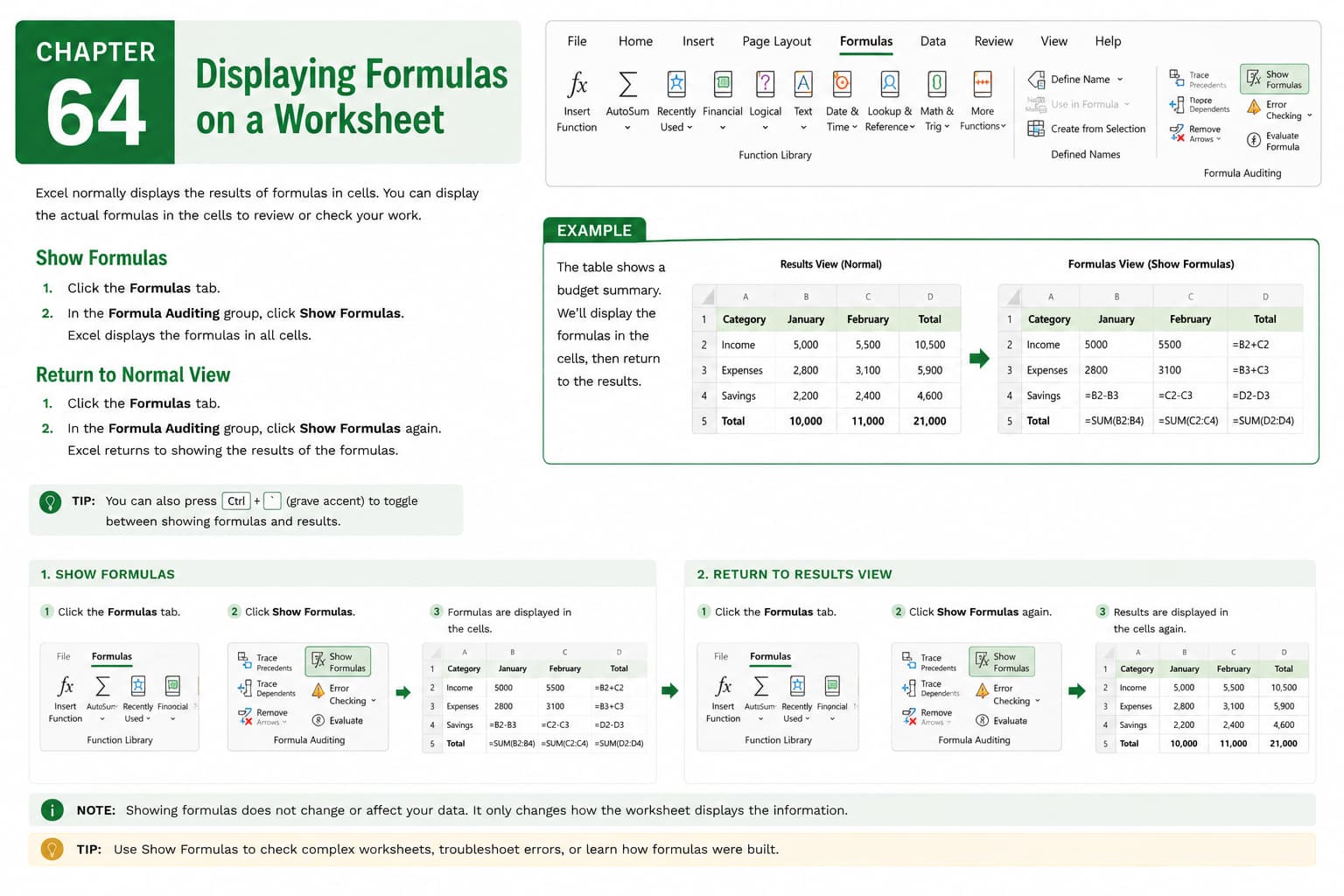
Chapter 64: Displaying Formulas on a Worksheet
Chapter Description
In this chapter, you’ll learn how to display formulas on a worksheet in Microsoft Excel, making it easier to review, verify, and troubleshoot calculations. Instead of showing calculated results, Excel can display the actual formulas entered in each cell, helping you understand how values are generated and identify any errors.
You’ll explore different methods for showing and hiding formulas, use keyboard shortcuts, inspect formula relationships, and learn when displaying formulas is useful during auditing and worksheet development. You’ll also discover best practices for reviewing complex spreadsheets and ensuring calculation accuracy.
This lesson is especially useful for checking financial models, verifying business reports, debugging formulas, teaching Excel concepts, and auditing large worksheets.
What You’ll Learn
- Understanding formulas and calculated results in Microsoft Excel
- Displaying formulas instead of cell values
- Hiding formulas to return to normal worksheet view
- Using keyboard shortcuts to toggle formula display
- Reviewing formulas for accuracy
- Identifying and troubleshooting formula errors
- Auditing worksheets with displayed formulas
- Best practices for formula management
Learning Outcome
By the end of this chapter, you’ll be able to confidently display and review formulas in Microsoft Excel, making it easier to verify calculations, troubleshoot errors, and maintain accurate, reliable worksheets for both personal and professional use.

