

Chapter 97: Opening Workbooks and Using Save As Options
Chapter Description
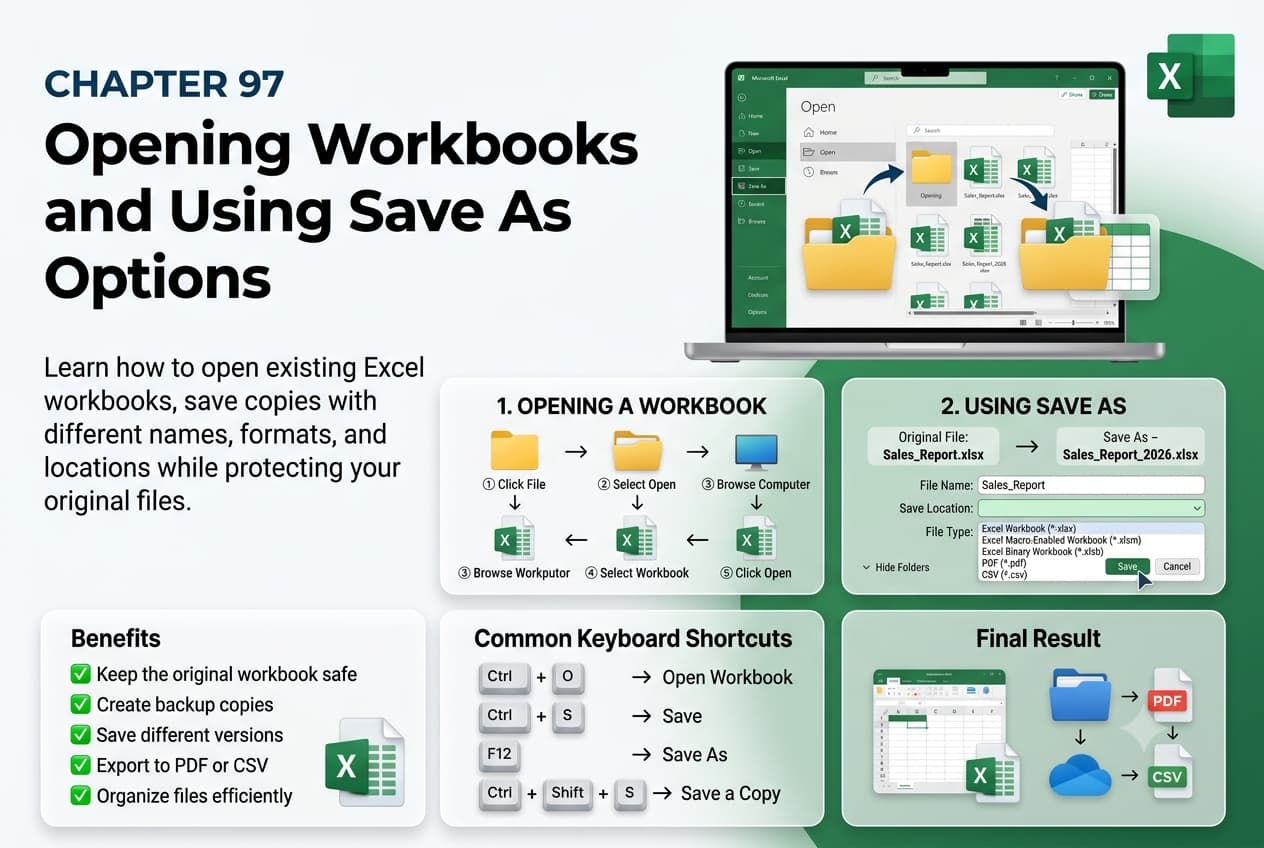
In this chapter, you’ll learn how to open existing workbooks and use the Save As feature in Microsoft Excel to create new versions of your files without altering the original. Understanding these essential file management tools helps you organize your work, maintain backups, and save workbooks in different formats for sharing and compatibility.
You’ll explore how to open workbooks from your computer, OneDrive, and recent files, use Save As to rename or duplicate workbooks, choose different file formats, and save files to different locations. You’ll also learn best practices for managing workbook versions and preventing accidental data loss.
This lesson is especially useful for updating reports, creating file backups, sharing spreadsheets, maintaining version history, and working with Excel files across different devices and users.
What You’ll Learn
- Understanding workbook opening and saving options in Microsoft Excel
- Opening existing workbooks from different locations
- Using the Recent Workbooks list
- Saving a workbook with the Save As command
- Choosing different Excel file formats
- Renaming and creating copies of workbooks
- Saving files to local storage and cloud locations
- Best practices for workbook file management
Learning Outcome
By the end of this chapter, you’ll be able to confidently open existing workbooks and use the Save As feature in Microsoft Excel to create copies, manage file versions, and save workbooks in appropriate formats and locations for efficient and secure file management.

