

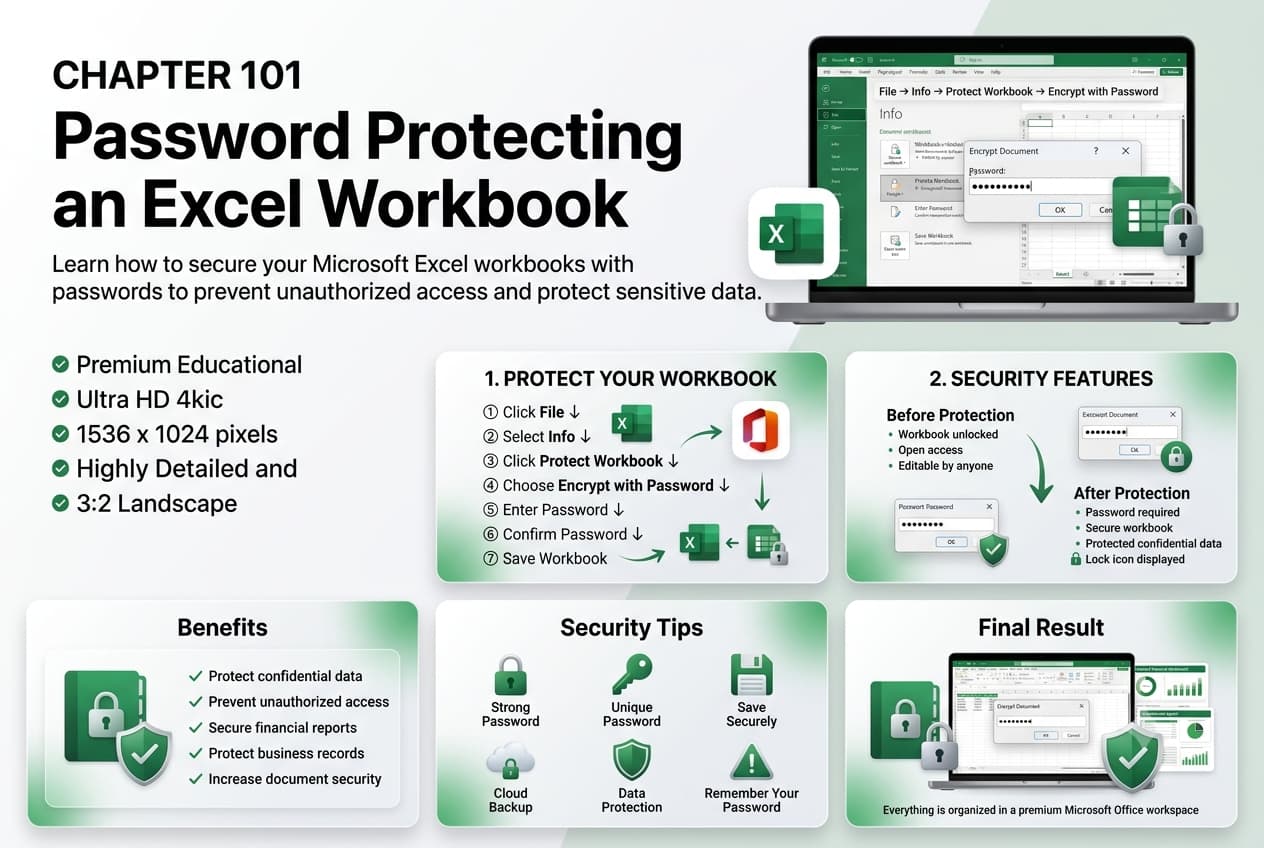
Chapter 101: Password Protecting an Excel Workbook
Chapter Description
In this chapter, you’ll learn how to password protect an Excel workbook to safeguard sensitive information from unauthorized access. Password protection is an important security feature that helps ensure only authorized users can open or modify your workbook, making it ideal for confidential business and personal data.
You’ll explore how to set a password to open a workbook, apply a password to modify its contents, remove or change existing passwords, and understand the importance of choosing strong passwords. You’ll also learn the limitations of workbook password protection and best practices for securing your Excel files.
This lesson is especially useful for protecting financial reports, payroll records, customer information, business plans, confidential projects, and other sensitive documents.
What You’ll Learn
- Understanding workbook password protection in Microsoft Excel
- Setting a password to open a workbook
- Applying a password to modify a workbook
- Changing or removing workbook passwords
- Creating strong and secure passwords
- Understanding password protection limitations
- Preventing unauthorized access to workbook data
- Best practices for securing Excel workbooks
Learning Outcome
By the end of this chapter, you’ll be able to confidently password protect an Excel workbook, helping to secure sensitive information, control access, and maintain the confidentiality and integrity of your data.

