

Chapter 122: Useful COUNT Functions in Excel
Chapter Description
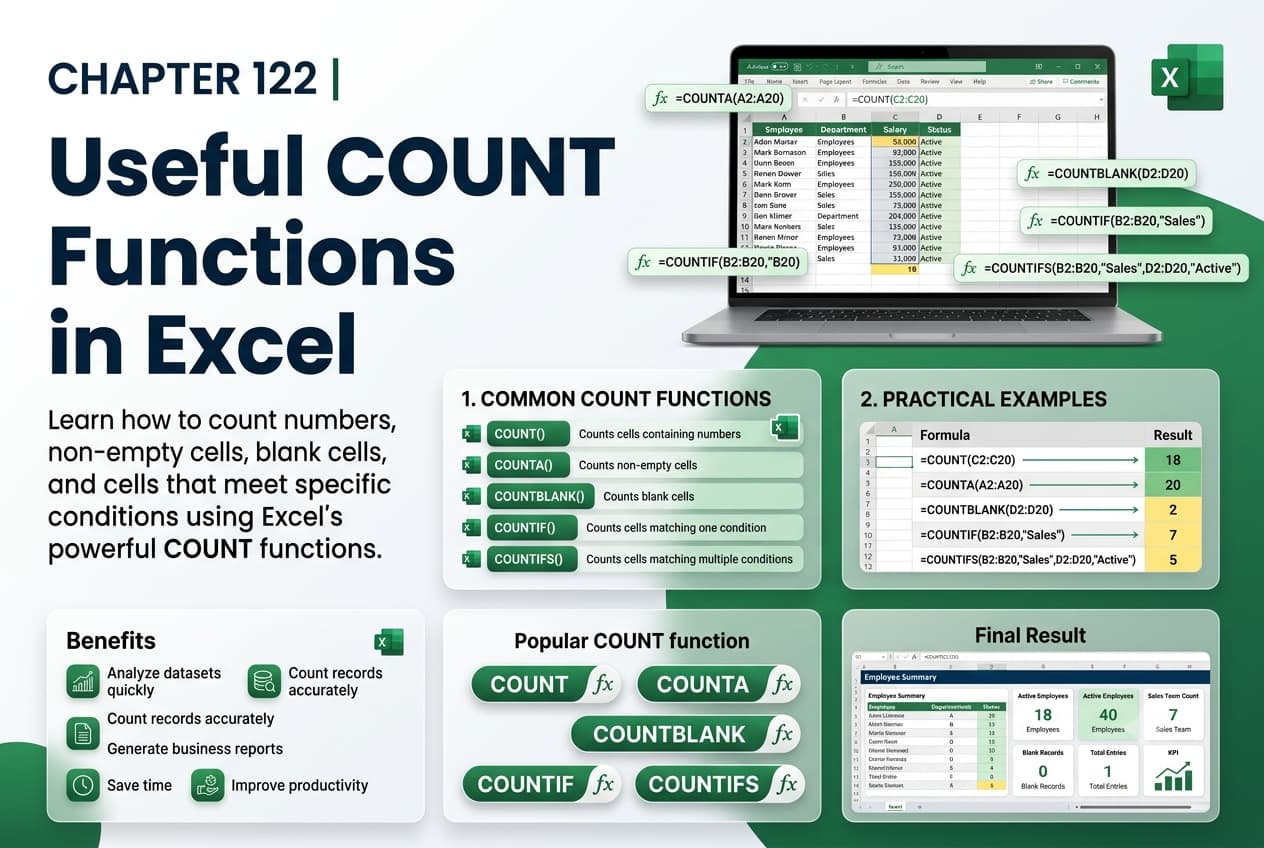
In this chapter, you’ll learn how to use the various COUNT functions in Microsoft Excel to count cells based on different types of data and conditions. These functions are essential for summarizing datasets, analyzing records, and creating dynamic reports. By understanding the differences between the COUNT family of functions, you’ll be able to choose the right function for every counting task.
You’ll explore commonly used functions such as COUNT, COUNTA, COUNTBLANK, and COUNTIF, learn how each function works, and apply them to real-world scenarios. You’ll also discover how these functions can improve data analysis, reporting accuracy, and decision-making.
This lesson is especially useful for analyzing attendance records, sales data, inventory lists, customer databases, survey results, and financial reports.
What You’ll Learn
- Understanding the COUNT family of functions in Microsoft Excel
- Using the COUNT function to count numeric values
- Using COUNTA to count non-empty cells
- Using COUNTBLANK to count empty cells
- Using COUNTIF to count cells based on specific criteria
- Choosing the appropriate COUNT function for different situations
- Combining COUNT functions with other Excel features
- Best practices for accurate data counting and analysis
Learning Outcome
By the end of this chapter, you’ll be able to confidently use Excel’s COUNT functions to analyze and summarize data efficiently. You’ll select the appropriate counting function for different scenarios, improve reporting accuracy, and create more informative and reliable worksheets.

