

Chapter 125: Using Number Formats
Chapter Description
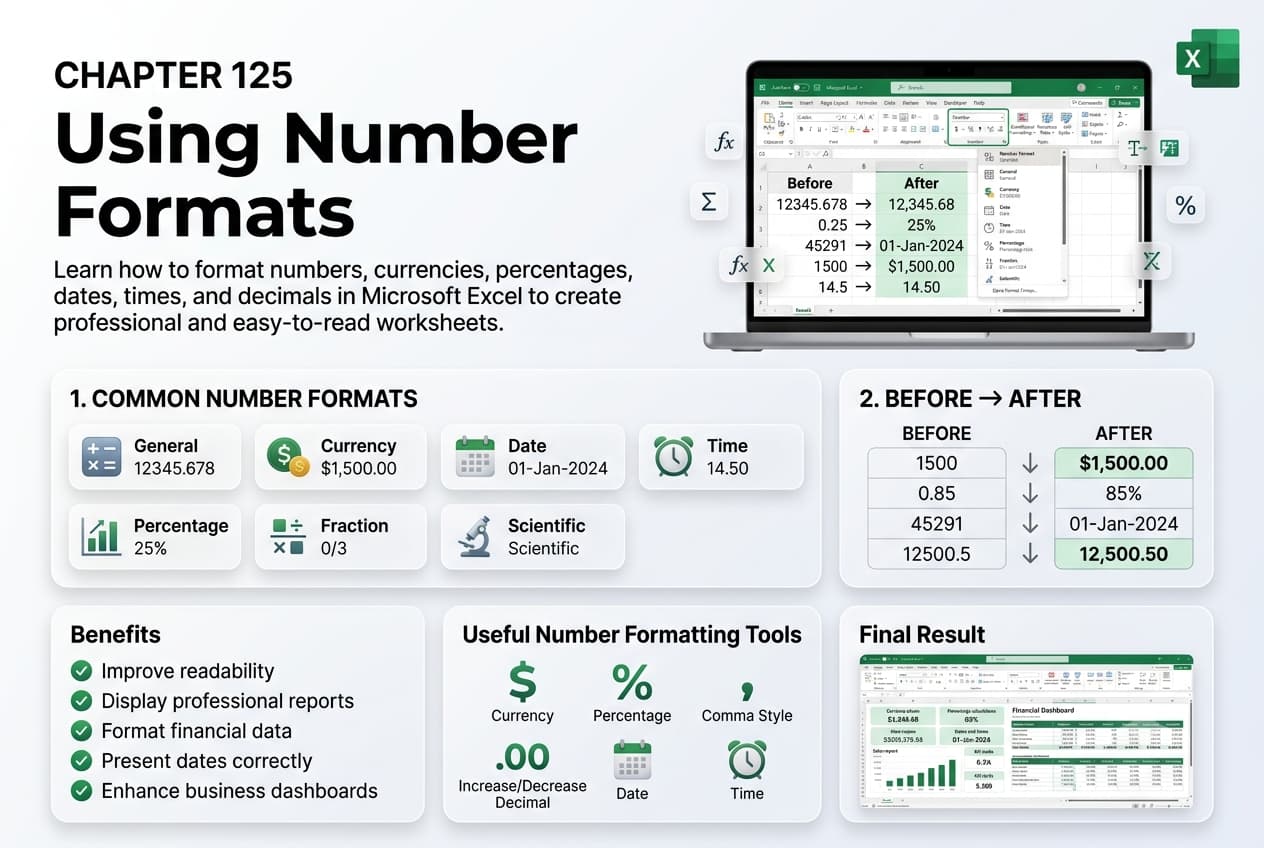
In this chapter, you’ll learn how to use Number Formats in Microsoft Excel to display numeric data in a clear, consistent, and meaningful way. Number formatting changes the appearance of values without altering the underlying data, making it easier to interpret financial figures, percentages, dates, times, and other types of information.
You’ll explore Excel’s built-in number formats, including General, Number, Currency, Accounting, Percentage, Fraction, Scientific, Date, Time, and Text formats. You’ll also learn how to create custom number formats, apply formatting to selected cells, and maintain consistency across worksheets.
This lesson is especially useful for preparing financial statements, budgets, invoices, payroll records, sales reports, inventory lists, and other professional spreadsheets.
What You’ll Learn
- Understanding number formats in Microsoft Excel
- Applying built-in number formats
- Formatting values as Currency and Accounting
- Using Percentage, Date, and Time formats
- Applying Scientific and Fraction formats
- Creating and using custom number formats
- Maintaining consistent formatting across worksheets
- Best practices for presenting numeric data
Learning Outcome
By the end of this chapter, you’ll be able to confidently apply and customize number formats in Microsoft Excel, making your data easier to read, interpret, and present. You’ll create professional-looking worksheets that display information accurately while preserving the original values for calculations and analysis.

