

Chapter 57: Creating and Using Your Own Excel Template
Chapter Description
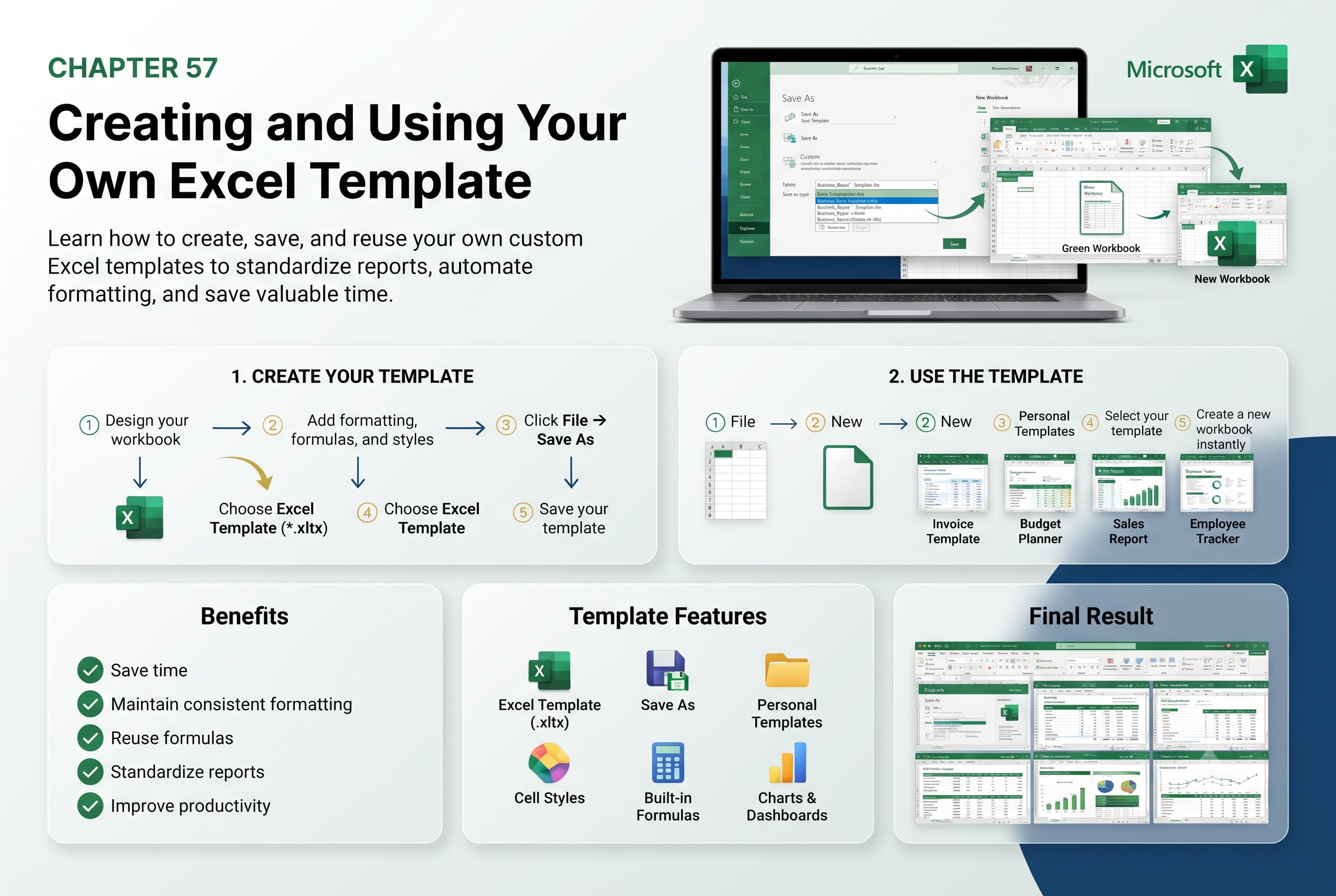
In this chapter, you’ll learn how to create and use your own Excel templates to save time, maintain consistency, and standardize workbook designs. Custom templates allow you to reuse predefined layouts, formatting, formulas, charts, and other workbook elements, eliminating the need to recreate commonly used spreadsheets from scratch.
You’ll explore how to design a workbook as a template, save it in the Excel Template (.xltx) format, create new workbooks from your custom template, modify existing templates, and manage your template library. You’ll also learn how custom templates improve productivity, reduce errors, and ensure consistency across business and personal projects.
This lesson is especially useful for creating invoices, budgets, expense reports, timesheets, project trackers, financial statements, dashboards, and other recurring Excel documents.
What You’ll Learn
- Understanding Excel templates and their benefits
- Creating a custom Excel template
- Saving a workbook as an Excel Template (.xltx)
- Creating new workbooks from a custom template
- Editing and updating existing templates
- Managing and organizing custom templates
- Reusing formatting, formulas, and workbook layouts
- Best practices for designing professional Excel templates
Learning Outcome
By the end of this chapter, you’ll be able to confidently create and use your own Excel templates to streamline repetitive tasks, maintain consistent workbook designs, and improve productivity. You’ll build reusable, professional templates that save time and ensure accuracy across multiple Excel projects.

