

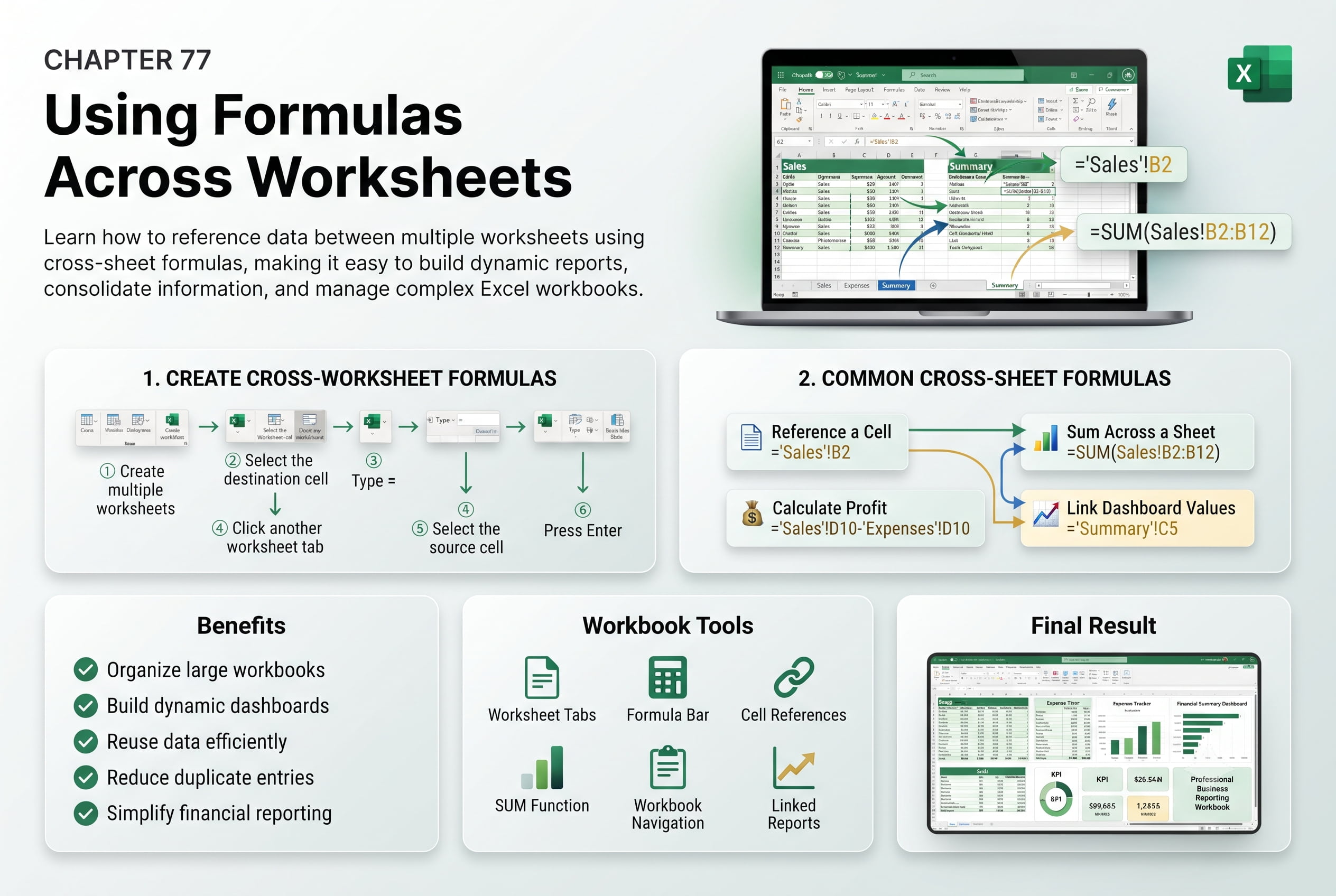
Chapter 77: Using Formulas Across Worksheets
Chapter Description
In this chapter, you’ll learn how to use formulas across worksheets in Microsoft Excel to reference and calculate data stored in different sheets within the same workbook. Cross-worksheet formulas enable you to consolidate information, perform calculations across multiple worksheets, and build dynamic workbooks that update automatically when source data changes.
You’ll explore how to create formulas that reference cells on other worksheets, use 3D references for calculations across multiple sheets, copy and modify cross-sheet formulas, and understand how Excel manages worksheet references. You’ll also learn best practices for organizing workbooks to ensure formulas remain accurate and easy to maintain.
This lesson is especially useful for consolidating monthly reports, departmental budgets, financial statements, sales summaries, inventory records, and project tracking workbooks.
What You’ll Learn
- Understanding cross-worksheet formulas in Microsoft Excel
- Referencing cells from another worksheet
- Creating formulas using worksheet references
- Using 3D references across multiple worksheets
- Copying and updating cross-sheet formulas
- Managing worksheet names in formulas
- Troubleshooting broken worksheet references
- Best practices for organizing workbooks with cross-worksheet formulas
Learning Outcome
By the end of this chapter, you’ll be able to confidently create and use formulas across worksheets in Microsoft Excel. You’ll consolidate data from multiple sheets, automate calculations, and build dynamic, well-organized workbooks that improve accuracy, efficiency, and data management.

